
Canon Canoscan Lide 300
4.2Editor score
Auto Scan Mode Detection
USB Connectivity Standard
Compact Design Profile
Finding the right scanner for your workspace requires careful consideration of resolution size and speed. These devices help digitize important documents and cherished photos efficiently. Choosing the best tool ensures clarity and convenience for every project.
We evaluated ten leading models based on optical resolution scanning speed and ease of use. Our analysis covers compact photo scanners and large format options for various needs. Each entry highlights key strengths and limitations to guide your decision.
Every product list includes detailed specs pros and cons for clear comparison. Prices and availability change frequently so check current offers before buying. Our goal is to provide reliable information for informed purchasing choices today.
4.2Editor score

4.1Editor score

3.8Editor score
As an Amazon Associate we earn from qualifying purchases.
This table compares key specifications across all ten selected models. Review resolution size connectivity and special features side by side to identify the best fit for your specific scanning tasks.


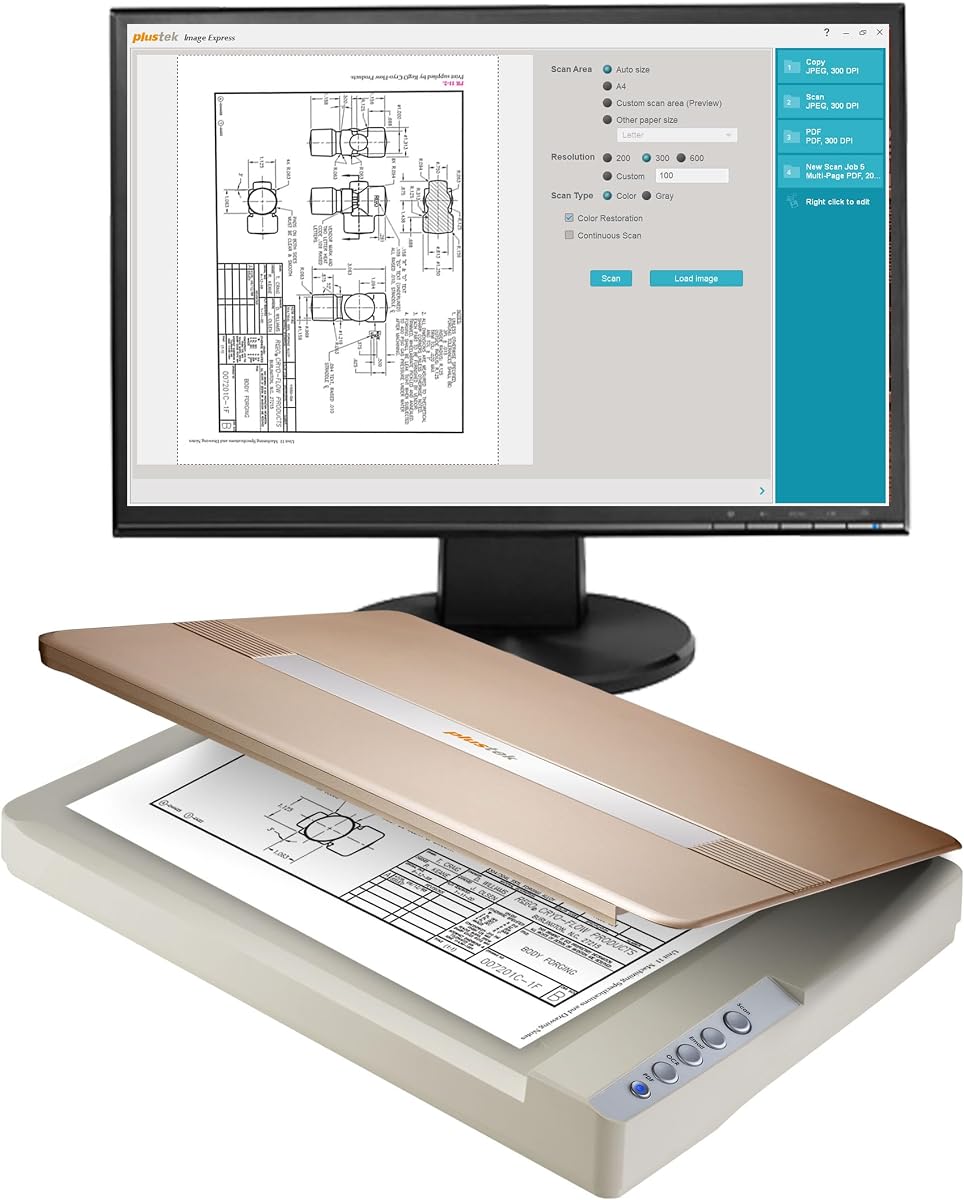
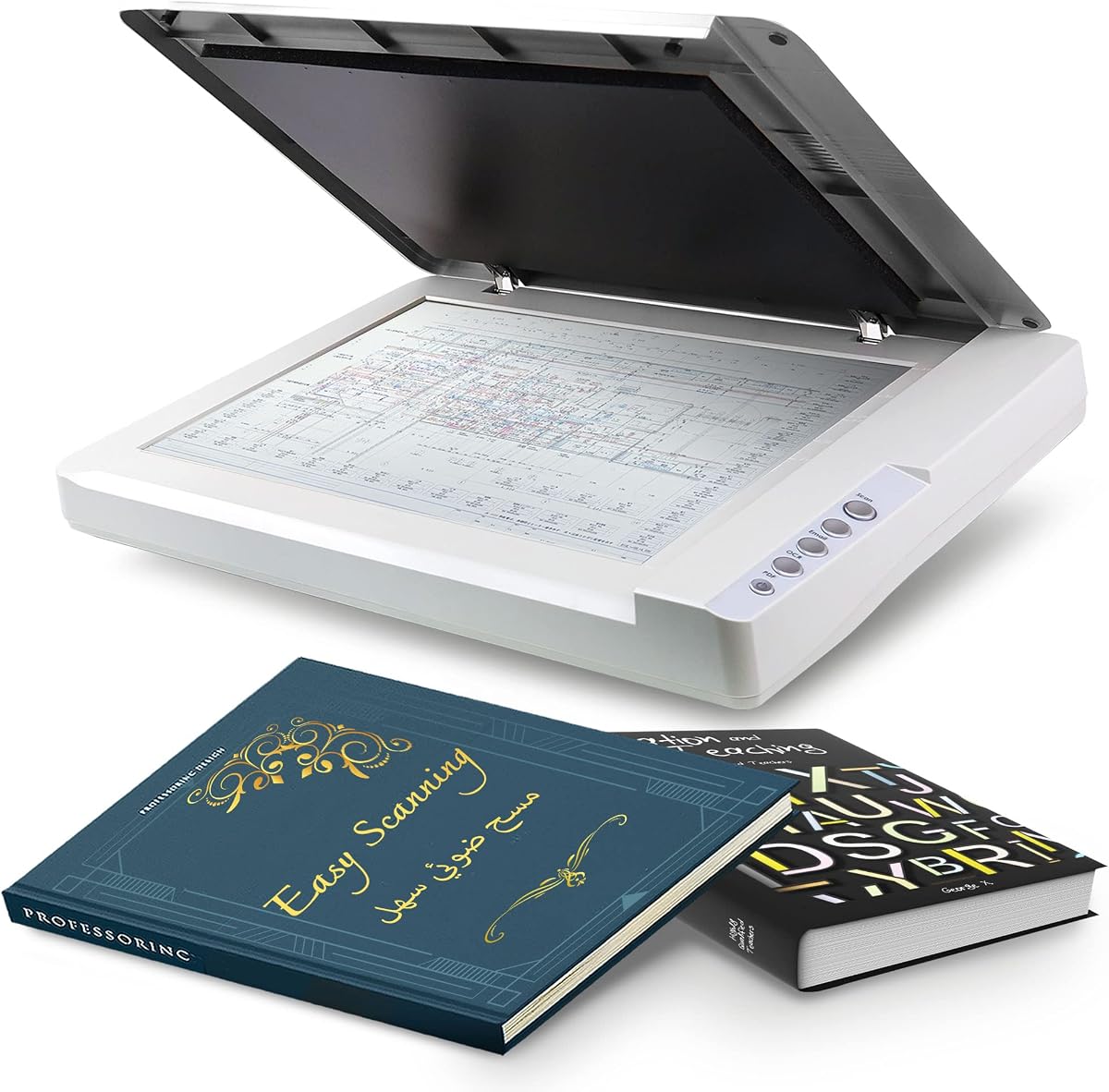

This Epson model offers impressive 4800 dpi optical resolution for detailed photo scans. It is designed to bring life to memories with color restoration tools. The high-rise lid allows scanning of books and photo albums easily.
We may earn a commission when you buy through this link, at no additional cost to you.
The scanner includes Epson ScanSmart technology to streamline your workflow. You can stitch oversized images and send scans to cloud storage directly. Buttons make the process simple for quick document or image capture.
Some users may find the USB power limits scan speeds compared to AC models. The rating reflects mixed experiences but the features remain strong for home use. It is a reliable choice for photo enthusiasts needing detail.
Buyers looking for high-resolution photo restoration at a home-friendly price should consider this unit. It balances capability and portability well. Check current availability before adding to your desk setup.
Easy Photo Fix technology restores faded colors with a single click. This makes it ideal for preserving old family albums digitally.
The removable lid opens high to accommodate thicker items like books. This expands utility beyond just flat papers.
We may earn a commission when you buy through this link, at no additional cost to you.
The Canon Canoscan Lide 300 is a solid choice for basic document scanning. It features Auto Scan Mode to detect what you place on the glass. This simplifies workflow for casual users needing digital copies quickly.
We may earn a commission when you buy through this link, at no additional cost to you.
Its compact design fits well on any desk without taking much space. Connectivity via USB ensures plug and play operation on most systems. Users appreciate its straightforward functionality and reliable performance over time.
While it lacks advanced features like high resolution photo restoration it excels at tasks. It is best suited for text documents and simple images. Those needing more power may need to look at premium options.
This model is recommended for budget conscious buyers needing reliable document digitization. It delivers value through simplicity and ease of use. Verify current stock to secure one at this price.
Auto Scan Mode reduces steps by automatically detecting document types. This saves time during repetitive scanning tasks.
The lightweight profile allows easy movement between home and office. This is useful for shared workspaces.
We may earn a commission when you buy through this link, at no additional cost to you.
The VIISAN 3120 supports large A3 documents up to 11.7 inches wide. This is essential for scanning posters or technical drawings. Auto-Scan starts immediately when the lid closes for smooth workflow.
We may earn a commission when you buy through this link, at no additional cost to you.
It uses a frameless design to capture edge to edge images without cutting off content. The LED light source saves energy and eliminates warm up time. Compatibility with both Windows and Mac makes it versatile for teams.
Care is needed to keep the sensor clean as white lines may appear if dirty. The CIS sensor is great for flat paper but not 3D objects. Users should be aware of this limitation before purchase.
Ideal for schools or home offices needing larger document digitization at a mid-range price. It balances size and functionality well. Check software requirements for optimal resolution on your system.
Handles materials up to 16.7 inches in length. Perfect for oversized project outputs.
Auto-Scan feature initiates capture when lid closes. Boosts efficiency for batch tasks.
We may earn a commission when you buy through this link, at no additional cost to you.
Speed is the highlight here with four second scans for A3 color documents. The 2400 DPI resolution ensures fine details are preserved in CAD drawings. Frameless glass captures the entire document edge to edge.
We may earn a commission when you buy through this link, at no additional cost to you.
Auto-Scan functionality improves productivity by removing manual triggers. The scanner supports global power so no adapters are needed for travel. Control buttons simplify operations to scan email or print directly.
Windows users face some resolution limitations depending on the driver used. It remains a strong tool for business and engineering workflows. Ensure your system matches the software requirements for best results.
Choose this if fast large format scanning is your primary need. It offers professional features at a competitive price point. Verify OS compatibility for full resolution performance.
Designed for large engineering drawings and blueprints. The speed aids high volume projects.
Universal power adapter works worldwide. Ideal for international use.
We may earn a commission when you buy through this link, at no additional cost to you.
This compact scanner packs 4800 DPI resolution for sharp photo and document scans. It weighs only 3.1 lbs making it easy to move. The kickstand allows vertical storage to save desk space.
We may earn a commission when you buy through this link, at no additional cost to you.
OCR features let you edit scanned documents directly in Word or Excel. ScanSmart software streamlines workflows for photos and books. One-touch buttons reduce the steps needed to get a digital copy.
Portability is a major advantage but power comes from USB only. This might limit speed compared to AC powered models. However it suits home users needing a space saving device.
Buyers wanting high detail in a small form factor will appreciate this unit. It combines convenience with strong scanning capability. Check if vertical storage fits your setup.
Kickstand lets you store it vertically. Great for small desks.
Converts scanned text to editable formats. Saves time on re-entry.
We may earn a commission when you buy through this link, at no additional cost to you.
The OpticPro A320E handles large formats up to 12×17 inches easily. It supports batch scanning to save multiple pages at once. Doc Action software helps manage files and send them to email.
We may earn a commission when you buy through this link, at no additional cost to you.
OCR capabilities make documents searchable which boosts productivity in offices. TWAIN and WIA drivers ensure compatibility with most standard software. It is built for heavy document tasks.
Price is higher than standard home units. This is justified by the capacity and professional features. Linux users may need to contact support for driver details.
Choose this for professional large document scanning needs. It offers reliability and advanced workflow tools. Verify software compatibility with your specific OS.
Scan multiple images into one PDF easily. Speeds up archiving tasks.
Doc Action allows quick access to destinations. Simplifies sharing.
We may earn a commission when you buy through this link, at no additional cost to you.
This model scans tabloid size documents in as little as three seconds. It uses a simple interface with pre-configured buttons for quick tasks. Large format support makes it versatile for office work.
We may earn a commission when you buy through this link, at no additional cost to you.
One-Key Operation means you can finish jobs with a single touch. The dual view settings let you check image adjustments quickly. TWAIN and ICA drivers ensure broad software compatibility.
Speed is a major benefit here for high volume scanning. However you may need to download the latest drivers from the site. Keep an eye on software support for new OS versions.
Buyers needing speed on larger papers should consider this option. It balances performance with ease of use. Check driver availability for your current operating system.
Three second capture for gray mode. Saves time for urgent tasks.
Pre-configured buttons automate settings. Reduces manual configuration.
We may earn a commission when you buy through this link, at no additional cost to you.
Designed for libraries and schools this scanner handles A3 documents well. It features LED technology which eliminates warm-up time. Pre-set buttons make it accessible for shared environments.
We may earn a commission when you buy through this link, at no additional cost to you.
The bundle includes powerful OCR software for better file management. 48 bit color ensures accurate graphics reproduction. It balances speed and quality for general office tasks.
While not the fastest it offers solid reliability for institutional use. The OCR feature adds significant value for archiving. Consider it if shared access is a requirement.
This unit is ideal for educational or small office environments. It offers good value with bundled software. Check current stock for institutional discounts.
Built for libraries and small offices. Supports multiple users easily.
No warm-up needed. Ready to use immediately.
We may earn a commission when you buy through this link, at no additional cost to you.
While this is a sheet fed unit it is included for its document throughput. It features a 50 page feeder and duplex scanning. The network port allows easy access for multiple users.
We may earn a commission when you buy through this link, at no additional cost to you.
You can scan to cloud accounts like Dropbox or Google Drive. Auto image processing corrects skew and crop automatically. This reduces manual work significantly.
It lacks a flatbed but excels at bulk document handling. Ideal for offices where speed and network sharing are key. Ensure your documents are flat for best results.
Consider this if you need high volume network scanning. It offers robust features for business document control. Check if a flatbed is needed for your specific items.
RJ-45 port allows multiple connections. Good for shared offices.
Direct scan to cloud storage. Simplifies backup and sharing.
We may earn a commission when you buy through this link, at no additional cost to you.
This scanner is known for its rapid three second scan time. It includes tools to auto rotate and deskew images automatically. One-key buttons streamline the workflow for quick access.
We may earn a commission when you buy through this link, at no additional cost to you.
You can create searchable PDFs directly from the device. It supports both Windows and Mac environments. User ratings reflect satisfaction with its speed and value.
While not a premium model it handles everyday tasks efficiently. The auto correction features save manual editing. Ideal for home office or small business needs.
Buyers wanting speed without a high price will like this unit. It delivers reliable performance for documents. Check current pricing to see deals.
Auto Rotate and Deskew save time. Keeps scans tidy.
Creates editable and searchable files. Improves retrieval.
We may earn a commission when you buy through this link, at no additional cost to you.
Selecting the right scanner involves balancing resolution speed and cost. Below are key factors to help you find the best fit.
Resolution determines the detail level in your scans. Higher DPI is necessary for photos and fine art.
For general documents 600 DPI is often sufficient. For photos look for 4800 DPI or higher.
Standard flatbeds handle letter size documents. Large format models support A3 or tabloid sheets.
Choose a model that fits your largest papers to avoid multiple passes.
Speed impacts how quickly you can digitize large batches. Models like the Plustek OpticSlim 2700 are very fast.
Prioritize speed if you scan regularly. Home users may prefer lower speed units.
Most units use USB for direct connection. Network models offer sharing for multiple users.
Ensure your computer has the right ports. Ethernet is ideal for offices.
Software bundles can include OCR and photo editing. Check what is included in the package.
Searchable PDFs are a valuable feature. Easy photo fix tools help restore memories.
USB powered units are portable and save outlet space. AC powered models may run faster.
Consider where you will place the scanner. Portability is key for travelers.
High-rise lids allow scanning of books or thick items. Standard lids may be too tight for 3D objects.
Choose based on the physical thickness of your items. Removable lids offer flexibility.
Warranties vary from one year to three years. Good support helps resolve driver issues quickly.
Look for models with accessible customer service. Read reviews regarding reliability.
To get the best results ensure the glass is clean before scanning. Use a soft lint-free cloth to remove dust or fingerprints that can cause artifacts.
Place items face down on the glass and align them with the guides. Avoid lifting the lid too far when using books to prevent damage to the hinge.
Regularly update drivers from the manufacturer site to maintain compatibility. Store the scanner in a dry area to prevent moisture damage to internal components.
CIS sensors are thinner and use less power. They are great for document scanning. CCD sensors offer better depth but are larger. Use CIS for flat paper and CCD for detailed photos.
Yes but you need a high-rise lid. This allows you to scan pages flat without bending them. Models like the Epson V39 II support this feature well.
Most models support macOS with specific drivers. The VIISAN series has good Mac support. Always check the product page for OS requirements before buying.
Blurry scans often result from a dirty glass. Clean the glass surface gently before use. Also ensure you are scanning at a high enough DPI.
The Plustek OpticSlim 2700 offers fast three-second scans. The VIISAN VF3240 A3 is also very fast for large documents. Choose based on your size needs.
Many units include OCR software that enables this. You can create searchable PDFs with the software bundle. Check the specs for OCR capabilities.
Some models like the Epson DS-1630 have network ports. Most flatbeds use direct USB connections. Check the connectivity options on the product page.
Yes drivers are usually required for full functionality. Most modern models support Windows 11. Download the latest drivers from the manufacturer site.
The top three picks offer excellent value across different needs. The Canon Lide 300 is great for budget tasks. The Plustek OpticSlim 2700 offers high speed.
For large format needs consider the Plustek OpticPro A320E. It handles oversized documents well. Prioritize resolution and speed based on your usage.
Prices and availability change so check the current offers on Amazon. Verify your OS compatibility before finalizing the purchase. This guide helps you make a confident choice.