
Tapo 1080P Indoor Security Camera
4.4Editor score
Wire-free installation
Solar charging support
Local storage option
Compare the top 10 Airbnb security cameras for guest privacy and property safety. We review features, video quality, and smart alerts to help you choose the
Securing your rental property is essential for host peace of mind. A reliable Airbnb security camera helps monitor entry points and common areas while respecting guest privacy zones. Choose systems with clear video and smart alerts.
We compared ten leading models based on video resolution, night vision, storage options, and ease of installation. Each product was evaluated for its suitability in short-term rental environments where reliability and remote access are critical for daily operations.
Each pick highlights key strengths and limitations to help you decide. Note that availability and pricing change frequently. Check current listings before purchasing to ensure you get the latest features and support for your rental management needs.
4.4Editor score

4.7Editor score

4.5Editor score
This side-by-side comparison covers all ten selected models. Review the image, link, and key specifications to find the system that matches your property size and monitoring requirements.




The Ring Indoor Cam stands out for its focus on user privacy and ease of use. With a solid 4.7 rating, hosts appreciate the manual privacy cover that physically blocks the lens when not in use. This feature is crucial for respecting guest spaces.
We may earn a commission when you buy through this link, at no additional cost to you.
Its 1080p HD video ensures clear footage of common areas like living rooms or entryways. The color night vision allows you to see details even in low light without harsh infrared glare. Advanced Pre-Roll captures seconds before motion events for a complete picture.
While cloud storage requires a subscription, the flexibility of the device makes it a strong choice. You can move it easily since it plugs into any outlet. Alerts are customizable so you are not notified about unnecessary movement.
This camera is ideal for hosts who want reliable monitoring without compromising guest comfort. The physical privacy switch adds a layer of trust. Choose this if you prioritize clear video and straightforward management through the Ring app.
The manual privacy cover lets you physically disable the camera. This reassures guests that monitoring stops during private moments.
You can set activity zones to focus on specific areas. This reduces false alarms from pets or moving shadows.
We may earn a commission when you buy through this link, at no additional cost to you.
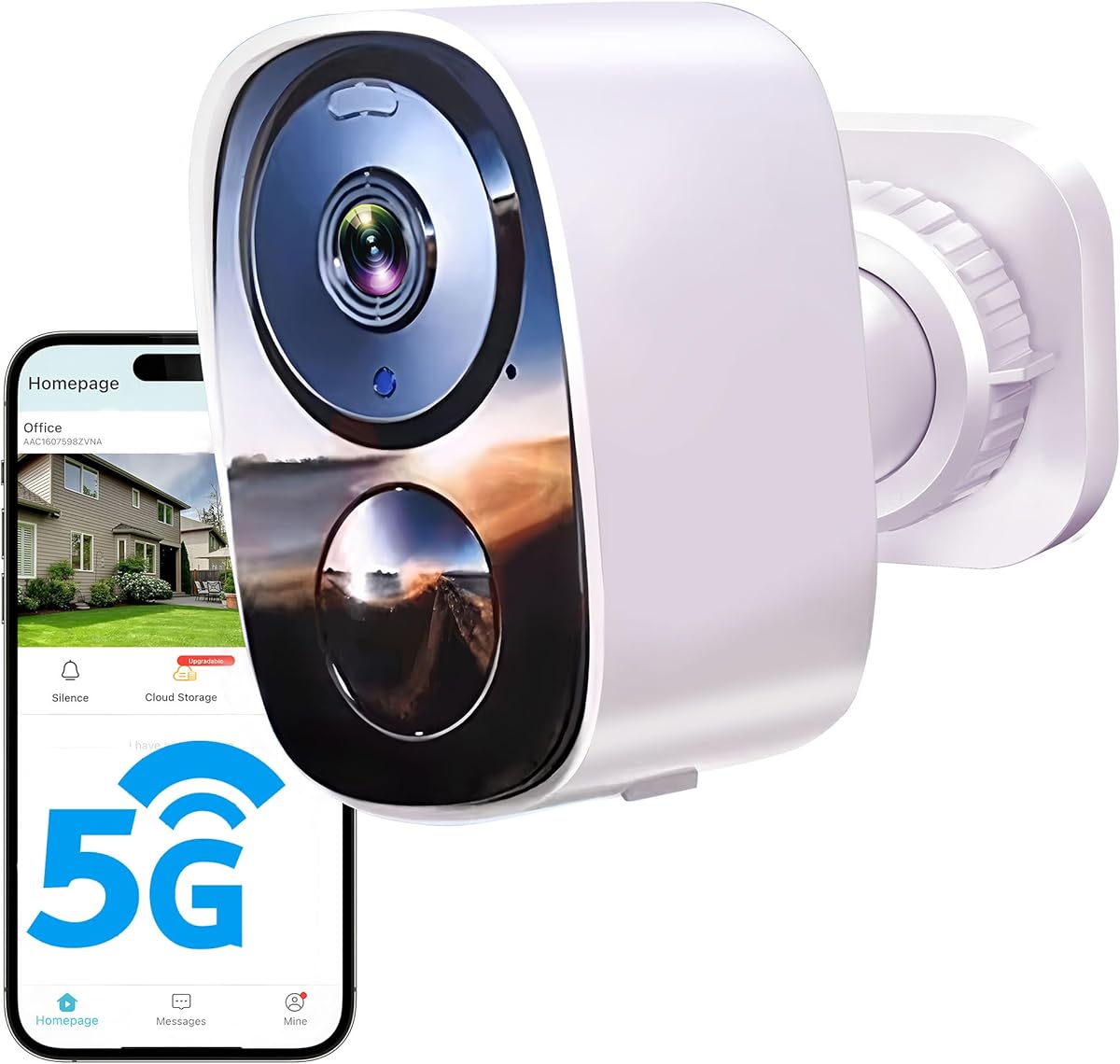
The Tapo C100 offers a versatile solution for hosts on a budget. It supports wire-free placement which is useful for areas without easy outlet access. The solar charging option extends usage significantly during daylight hours.
We may earn a commission when you buy through this link, at no additional cost to you.
Its 1080p video provides clear enough detail to identify faces or objects in common areas. The IP65 rating means it can handle outdoor placement if needed. Local storage via microSD card helps avoid monthly fees.
You can set activity zones to reduce false alerts from pets or passing cars. Two-way audio allows communication with guests or delivery drivers. This makes it functional for both indoor and covered outdoor entry points.
This model is best for those needing a flexible, low-cost security tool. It balances essential features with affordability. Consider it if you want to monitor multiple spots without investing in high-end hardware.
No cables mean you can place it anywhere. Use the solar kit for power in sunny spots.
Store footage on a microSD card to save money. No monthly plan is required for local recording.
We may earn a commission when you buy through this link, at no additional cost to you.
The eufy Security 4K E30 delivers exceptional visual clarity with its 4K resolution. This level of detail is valuable for verifying incident details or identifying specific items in common areas. The 360-degree view ensures no blind spots.
We may earn a commission when you buy through this link, at no additional cost to you.
On-device AI distinguishes humans from pets or noise. This reduces false alerts and improves accuracy. Local storage means you do not rely on cloud subscriptions for basic recording. This fits well with hosts who prefer control over data.
Integration with HomeKit, Alexa, and Google Assistant allows for seamless automation. You can create routines based on camera triggers. Color night vision with spotlights offers vivid footage even in darkness.
This camera suits hosts needing high precision and privacy. The lack of monthly fees offsets the initial cost over time. Choose it if you want top-tier video and full control without recurring bills.
The camera identifies people automatically. This ensures you are alerted only to relevant activity.
Rotate the view via app to check every corner. One unit replaces multiple fixed cameras.
We may earn a commission when you buy through this link, at no additional cost to you.
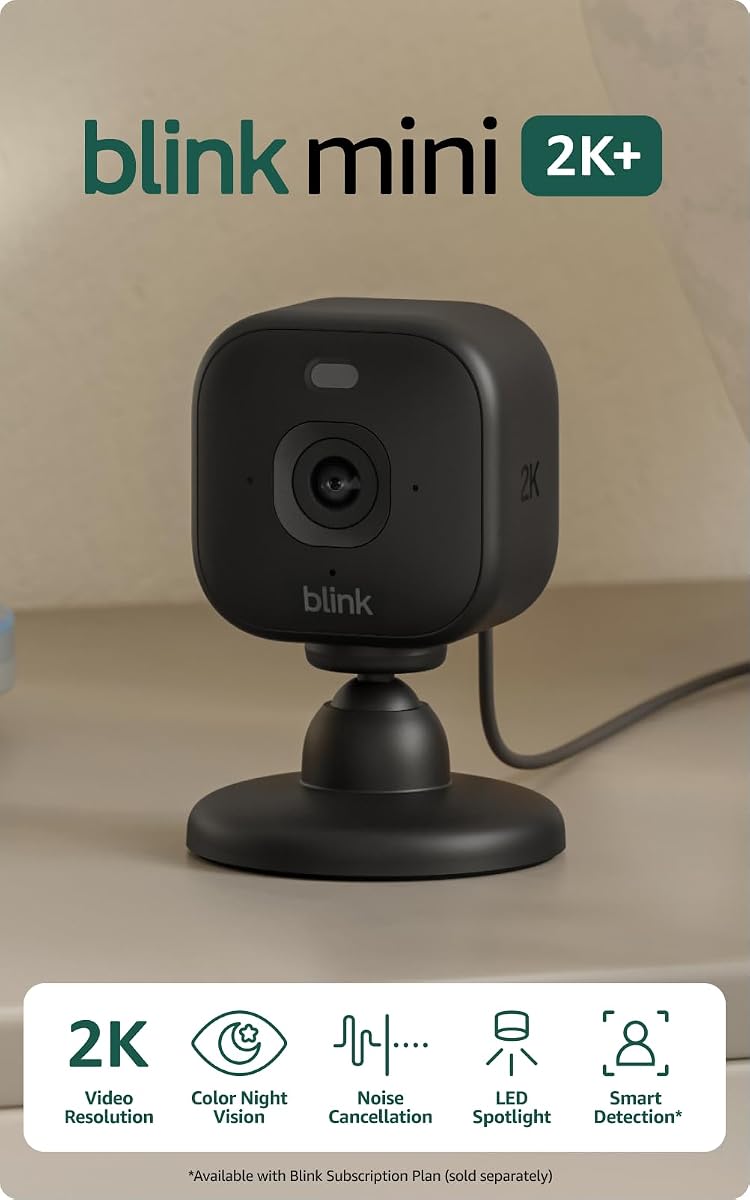
The Blink Mini 2K+ comes as a two-camera kit. This allows monitoring of two rooms simultaneously. Its compact size makes it easy to place on shelves or tables without drawing attention. The 2K resolution provides clear footage.
We may earn a commission when you buy through this link, at no additional cost to you.
Improved audio with noise cancellation ensures conversations are heard clearly. This is useful for communicating with guests remotely. The 4x zoom helps you inspect details further away without moving the camera. It supports motion detection and alerts.
You can use it as a chime for your video doorbell. This adds value to your security system. However, it requires a subscription for cloud storage. There is no local SD card option.
This set is great for covering multiple indoor areas affordably. The dual-camera offer gives more value than single units. Choose it if you need immediate indoor coverage with easy Alexa integration.
Get two units for the price of one premium camera. Cover the kitchen and entryway at once.
Noise cancellation filters out background hums. You can hear guests or pets more clearly.
We may earn a commission when you buy through this link, at no additional cost to you.
This four-camera kit covers extensive property areas. Use them for entryways, driveways, and backyards. The 2K resolution ensures details remain clear. Battery operation means you can place them anywhere without running cables.
We may earn a commission when you buy through this link, at no additional cost to you.
Smart AI PIR detection reduces false alerts from branches or animals. The siren alarm can deter intruders when motion is detected. Two-way audio lets you speak through the camera. This adds an active security layer.
You can choose between local SD storage or cloud services. IP65 rating handles rain and dust well. Family sharing allows guests or co-hosts to view feeds with restrictions. This ensures privacy while enabling coordination.
Ideal for large rentals needing full coverage. The siren feature adds protection. Choose this if you need multiple points monitored and do not mind managing battery charges.
Four cameras cover all angles of a large property. Place them to eliminate blind spots entirely.
The built-in siren and lights scare off threats. This prevents incidents before they occur.
We may earn a commission when you buy through this link, at no additional cost to you.
This model offers free cloud storage which is rare. You do not need a paid plan to save clips initially. The 2K video is sharp. Battery life extends to months depending on usage. This reduces maintenance frequency.
We may earn a commission when you buy through this link, at no additional cost to you.
Dual-band WiFi support improves connection stability. IP66 waterproof rating ensures reliability outdoors. Color night vision provides better visibility at night. Two-way audio facilitates communication with visitors.
You can view footage remotely on your phone easily. Alerts are instant for motion events. The siren and spotlight deter unwanted visitors. It supports both indoor and outdoor placement due to weather resistance.
This is a strong choice for hosts wanting to avoid monthly fees. Free storage is a key benefit. Choose it if you prioritize connectivity and battery longevity.
Save videos without paying a subscription. The free plan keeps records accessible online.
Charge once and forget it for months. This suits hard-to-reach outdoor spots.
We may earn a commission when you buy through this link, at no additional cost to you.
The Outdoor 4 is designed for minimal maintenance. The two-year battery life means less frequent charging. It comes as a three-camera system with a sync module. This covers main outdoor entry points effectively.
We may earn a commission when you buy through this link, at no additional cost to you.
Enhanced motion detection is faster and more accurate. Person detection alerts help you avoid false alarms from shadows. The 1080p HD live view is clear. You can speak to people via two-way audio.
It works with Alexa for voice control. However, cloud storage requires a subscription. There is no local storage option with the core module. This might be a limitation if you want offline backup.
This is best for hosts wanting low maintenance. The battery life is exceptional. Choose it if you prefer a reliable outdoor system that rarely needs attention.
Run for two years on one charge. This reduces the hassle of recharging every few weeks.
Differentiates humans from animals. This keeps notifications relevant to actual activity.
We may earn a commission when you buy through this link, at no additional cost to you.
The C31 works both inside and outside. IP66 certification protects against rain. Two cameras offer flexible placement. The 360-degree pan and tilt cover entire rooms or yards. Dual antennas ensure stable WiFi connection.
We may earn a commission when you buy through this link, at no additional cost to you.
It records continuously to a microSD card or HomeBase. No monthly fees for basic features. PureColor Night Vision captures vivid details in dark. AI auto-tracking follows people or vehicles smoothly.
Alarms and lights deter intruders. You can view live feeds remotely. The setup requires updating the app for best performance. This adds initial effort but ensures functionality.
This is ideal for hosts wanting one camera for all needs. No fees save money long-term. Choose it if you want reliable recording without hidden costs.
Move between patio and living room easily. One model fits every spot.
Power via wire ensures it never misses footage. This is vital for security continuity.
We may earn a commission when you buy through this link, at no additional cost to you.
The Ring Outdoor Cam is versatile. Battery operation allows placement anywhere. Color night vision helps distinguish items at night. Live view lets you check in anytime. It mounts on walls or flat surfaces.
We may earn a commission when you buy through this link, at no additional cost to you.
Two-way talk aids communication with guests. Motion alerts inform you of activity. It connects with other Ring devices. Alexa integration allows voice control. This fits well with existing smart home setups.
Subscription enables advanced features like cloud storage. The battery needs recharging periodically. This requires maintenance but offers freedom from wiring. Consider it for flexible outdoor coverage.
This suits hosts in the Ring ecosystem. It simplifies management via one app. Choose it if you want reliable outdoor monitoring with familiar features.
Pair with Ring doorbells and alarms. Manage all devices in one place.
See details clearly at night. Color images help identify objects better.
We may earn a commission when you buy through this link, at no additional cost to you.
The GMK system emphasizes active security. The siren alarm deters threats effectively. Four cameras cover large areas. 2K video ensures quality. Battery power allows flexible placement. Smart detection reduces false alerts.
We may earn a commission when you buy through this link, at no additional cost to you.
You can speak to visitors remotely. Two-way audio is clear. Storage options include SD cards and cloud. IP65 weatherproofing suits outdoor use. Family sharing keeps everyone informed safely.
Charging batteries is the main maintenance task. Setup is quick with the app. This system is robust for rentals with multiple entry points. It balances cost and coverage well.
This is great for large properties needing alerts. The siren is a key benefit. Choose it if you want comprehensive protection without expensive fees.
The siren stops intruders quickly. It is a strong tool for prevention.
Share access with family members. Control privacy with custom settings.
We may earn a commission when you buy through this link, at no additional cost to you.
Selecting the right camera depends on your property layout and privacy requirements. Consider these factors to match the device to your needs.
Higher resolution like 2K or 4K provides clearer details for identifying faces or items. This helps in incident resolution and evidence collection. Lower resolutions like 1080p suffice for general monitoring.
Look for at least 1080p to ensure usable footage in various lighting conditions.
Decide between local storage via microSD or cloud storage. Local storage avoids monthly fees but requires maintenance. Cloud storage offers remote access but often costs extra.
Choose local storage if you want to avoid subscriptions and manage data directly.
Battery-powered cameras offer flexibility but need recharging. Plug-in models provide continuous power but require outlet access. Solar options extend battery life significantly.
Select battery for remote spots and plug-in for high-traffic entryways.
Color night vision is superior to infrared for detailed dark footage. It helps distinguish colors at night which infrared cannot. Check if spotlights are included for enhanced low-light performance.
Prioritize color night vision if you monitor at night often.
AI features like person detection reduce false alarms from pets or trees. This keeps alerts relevant and manageable. Custom zones allow focused monitoring of specific areas.
Ensure the camera has smart detection to save time reviewing footage.
Outdoor cameras should have high IP ratings like IP65 or IP66. This protects against rain, dust, and heat. Indoor models need less protection but should be durable.
Verify weather ratings if placing the camera outside or in exposed areas.
Physical privacy covers or mute switches add trust with guests. You can disable recording in private zones easily. App controls for turning off mic or camera are essential.
Choose cameras with physical privacy options for better guest relations.
Dual-band WiFi support improves stability and speed. Some models only support 2.4GHz which may lag. Ensure your network can handle multiple devices if buying kits.
Check WiFi compatibility to avoid connection issues during monitoring.
Install cameras in common areas like entrances or hallways where privacy is less expected. Ensure you inform guests about monitoring to comply with local laws.
Check battery levels regularly if using wireless models. Set a schedule to recharge during guest stays to avoid downtime.
Update firmware via the app to maintain security and features. Clear lens smudges periodically for best image quality.
No, placing cameras in private spaces like bathrooms is generally prohibited and illegal in many regions. Always focus on public areas like doorways or hallways to respect privacy.
Some do not for basic recording via SD card. Others require subscriptions for cloud storage or advanced alerts. Check the product details before purchasing to understand the costs involved.
Include a clear notice in your rental listing or welcome guide. Be transparent about where cameras are placed to maintain trust and avoid complaints.
Cameras with local storage will continue recording offline. They may send alerts once the connection returns. Ensure they have power during outages if continuous monitoring is needed.
Check the IP rating before outdoor use. Models rated IP65 or IP66 can handle rain and dust. Indoor cameras may fail if exposed to weather.
Many support Alexa or Google Assistant. This allows voice commands and routines. Confirm compatibility with your existing smart devices for best integration.
We reviewed ten models ranging from budget options to premium systems. The Ring Indoor Cam and eufy 4K offer standout features for privacy and detail.
Prioritize clear video and reliable alerts to ensure safety without intrusive monitoring. Balance cost with essential features like night vision and smart detection.
Prices and availability change. Check current listings for the latest offers and ensure you select the model that fits your specific property needs.