
19V 65W Power Cord for Asus Monitor VS248H-P VG248QE VX238H MX279H ROG PG278Q
4.6Editor score
65W max output capacity
5.5mm x 2.5mm tip
CE FCC and RoHS certified
Works with VG and VX series
This guide compares the best ASUS Monitor Power Cord Replacement options for reliability, compatibility, and safety across various monitor models in 2026.
Finding a reliable power source is critical for your display setup. A failing cord can disrupt work or gaming. This guide reviews top adapters designed specifically for ASUS screens to ensure consistent performance.
We evaluated compatibility, output specs, safety certifications, and build quality. Our list includes options for gaming, office, and home use. Each pick matches specific ASUS models to prevent connection errors or power failures.
Every review highlights key features and potential limitations. Prices fluctuate based on availability and deals. Check current listings before purchasing to confirm compatibility with your specific monitor model and connector type.
4.6Editor score

4.8Editor score

4.4Editor score
This table provides a side-by-side view of the top ten replacements. Each entry lists key specifications like output wattage, connector size, and compatible series. Use this to quickly identify the match for your device.


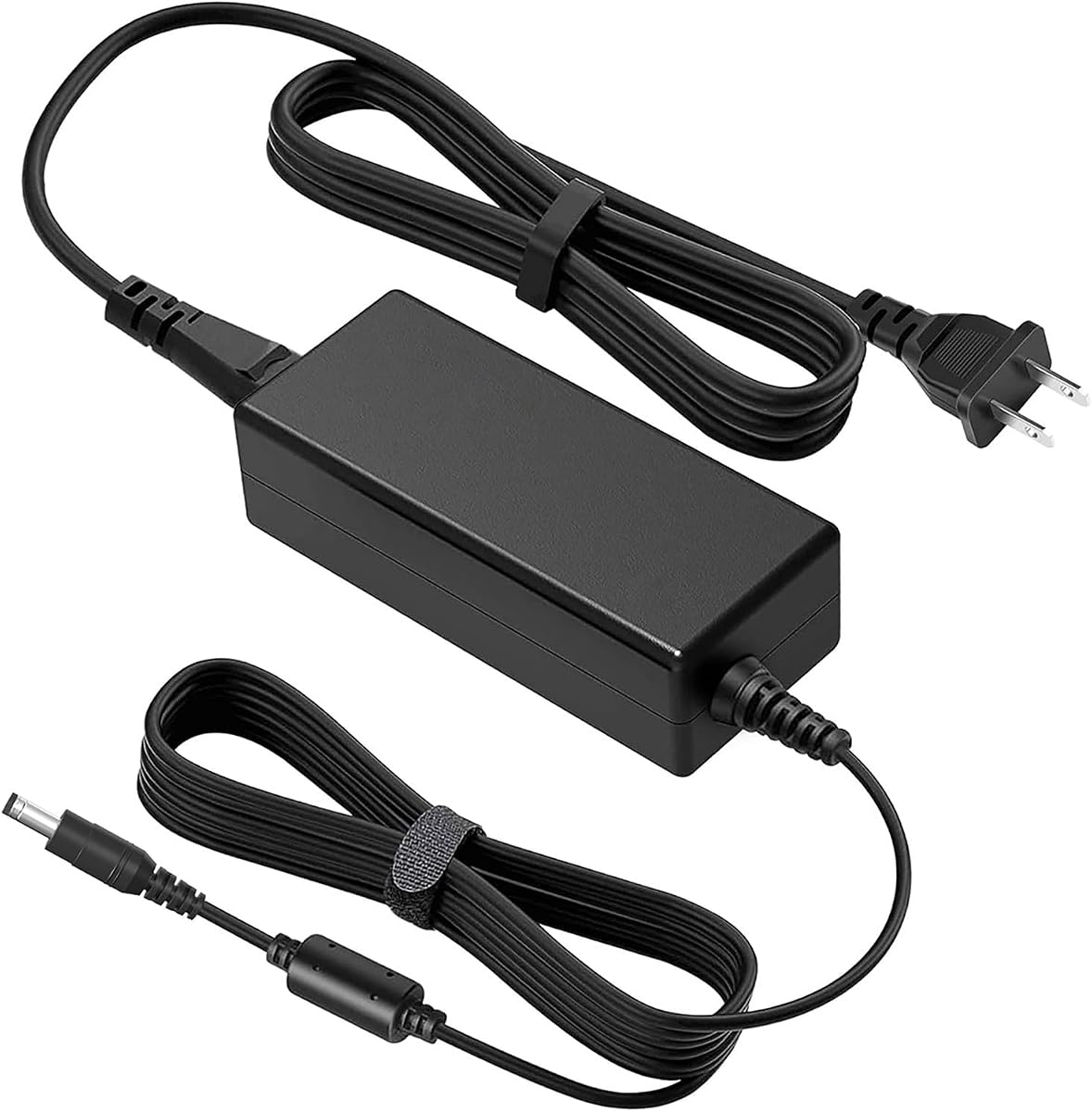


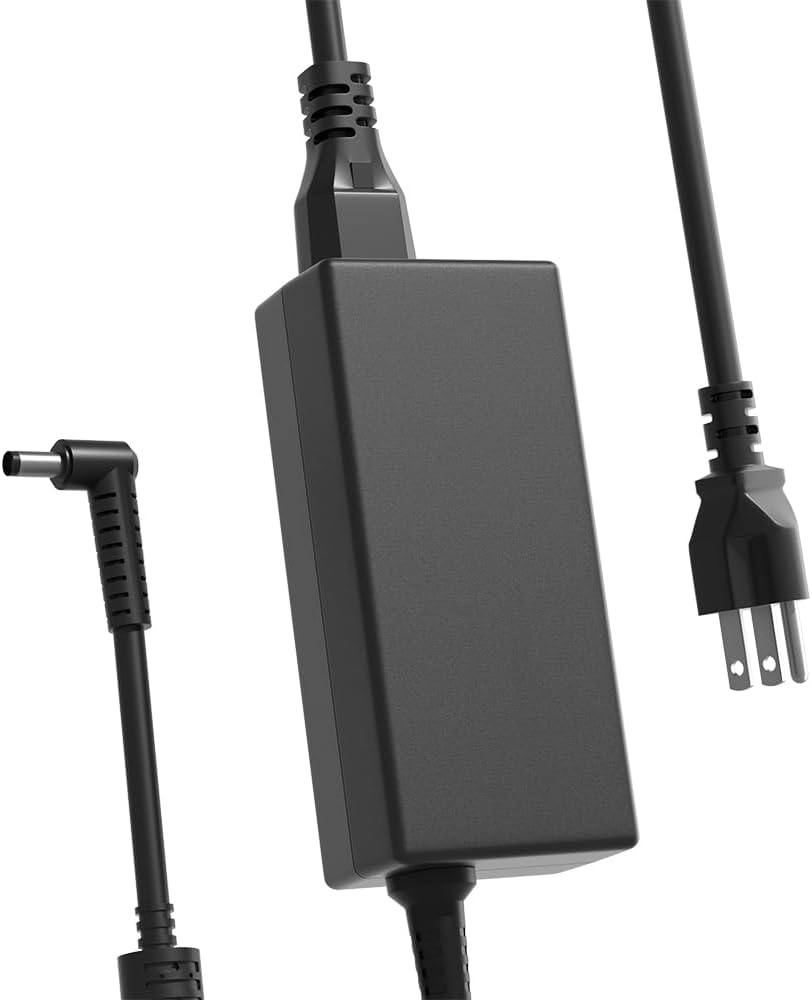

This adapter stands out with its high wattage range and broad compatibility. It delivers 19V with output amperage from 2.1A to 4.74A. Users rate it highly for reliability across many screen sizes. It is a robust choice for powering displays.
We may earn a commission when you buy through this link, at no additional cost to you.
The connector size is standard 5×2.5mm which fits most models. It supports everything from 22 to 27 inch screens. The universal input ensures it works worldwide without issues. You get consistent power for high refresh rate setups.
The size might be slightly bulkier than original units. Always check your port before buying to confirm fit. These are minor issues compared to the performance gains. The build quality suggests long term durability.
Buy this if you need a versatile replacement for older models. It handles varying power needs well. For gaming monitors that require stable current this is ideal. We recommend it for general office and home use.
The variable amperage range ensures your monitor gets the exact power it needs without overloading the supply.
Input compatibility from 100V to 240V means you can use this adapter in almost any country without a converter.
We may earn a commission when you buy through this link, at no additional cost to you.
This is a versatile cable rather than a full adapter. It works if your monitor has an internal power supply. The 5ft length provides good reach for your desk. It is rated for 10 amps and uses a standard 3 prong plug.
We may earn a commission when you buy through this link, at no additional cost to you.
The heavy duty 18 AWG gauge ensures safety and durability. The molded design prevents wear at the connection points. It fits most devices including TVs and printers. This is a great spare cable to have.
It does not replace the main AC adapter unit. It is only useful if your power brick is separate. Verify your monitor needs this cable type. Many modern units use DC bricks instead.
Buy this for extra cable management or backup purposes. It is cost effective for general electronics. Use it with monitors that accept external power cords. It simplifies setup when you need more length.
The 3 prong plug aligns with standard C13/C14 connectors found on many monitors and external power supplies.
At 5 feet this cable allows you to place your power strip further away while keeping the monitor clean.
We may earn a commission when you buy through this link, at no additional cost to you.
This adapter is designed for popular monitors like the VS and VG series. It delivers 65W which covers 40W models with room to spare. The connector is 5.5mm x 2.5mm. It is a solid value for standard office screens.
We may earn a commission when you buy through this link, at no additional cost to you.
Certifications like CE FCC and RoHS ensure safe operation. The internal build uses industrial grade materials. It stays cool because it isn't always running at full capacity. This reduces wear and extends lifespan.
It will not fit 12V monitors or those with smaller tips. Always read the warnings before purchase. These limits are necessary for safety and performance. Verify your port matches the standard 5.5mm size.
Buy this if you need a reliable budget option. It works well for general tasks and gaming. The extra wattage ensures stability. We recommend it for VS and MX series users looking for savings.
Multiple industry certifications confirm this adapter meets strict standards for electrical safety and emissions.
The 65W design handles lower power needs efficiently without stressing the internal components.
We may earn a commission when you buy through this link, at no additional cost to you.
This charger supports high refresh rate setups with steady power. It delivers 65W for 19V screens. It works well with ROG Swift and MX models. The 5.5mm round plug is standard for many units. Users appreciate the stable current.
We may earn a commission when you buy through this link, at no additional cost to you.
It includes protection against short circuits and over-voltage. The industrial safety features prevent damage. It runs reliably without overheating. This makes it suitable for daily office and home use. The build is robust and reliable.
Ensure your monitor uses 19V and not 12V. Check the port size to avoid fit issues. These checks are crucial for safety. The performance is strong when matches match the specs.
Buy this if you own a ROG or VX series display. It ensures flicker-free visuals. The safety features are a plus for longevity. We recommend it for anyone needing a robust power source.
Consistent current output ensures your high refresh rate monitor maintains stable performance during sessions.
Built-in circuitry guards against electrical faults to protect both the adapter and your monitor from damage.
We may earn a commission when you buy through this link, at no additional cost to you.
This adapter handles large displays up to 32 inches. It delivers 65W and uses a smart chip for stable conversion. The 6-layer safety system covers overcurrent and overheating. It supports many Tuf and G-Sync models.
We may earn a commission when you buy through this link, at no additional cost to you.
The chip ensures quick dynamic response under load. This keeps brightness stable during high refresh rates. It works with various connector sizes including 5.5×2.1mm. The versatility makes it a strong option for larger screens.
The connector is 5.5×2.5mm but may fit others. Verify your specific port to be safe. It is a reliable choice for mixed setups. Just ensure the plug fits snugly before use.
Buy this for larger monitors needing strong current. It is ideal for multi-monitor or high brightness setups. The protection features offer peace of mind. We recommend it for Tuf series displays.
High-efficiency chips ensure precise AC to DC conversion for smoother power delivery to your screen.
This unit is capable of powering larger 32 inch screens that require higher current stability.
We may earn a commission when you buy through this link, at no additional cost to you.
This adapter is designed for Tuf and ROG monitors. It outputs 65W at 19V with stable current. The connector is 5.5 x 2.5mm. It works with popular models like VG248QG and PG278Q. Users find it reliable for daily use.
We may earn a commission when you buy through this link, at no additional cost to you.
It includes the AC power cable for immediate setup. The 100-240V input supports global travel. This makes it versatile for offices worldwide. The build quality suggests durability over time. It handles gaming loads well.
Verify the part number if you have an older unit. Some models might need specific plugs. These checks prevent fit issues. When matched correctly performance is consistent and stable.
Buy this if you own a Tuf or ROG model. It handles high refresh rates effectively. The included cable simplifies setup. We recommend it for users seeking a direct replacement.
The inclusion of a standard AC power cable means you can start using it immediately without extra purchases.
Support for 100V to 240V allows international use without needing a separate travel adapter.
We may earn a commission when you buy through this link, at no additional cost to you.
This adapter supports screens from 22 to 27 inches. It delivers 65W for steady power. The connector is standard 5.5 x 2.5mm. It is compatible with many Tuf models. Users note it is reliable for long sessions.
We may earn a commission when you buy through this link, at no additional cost to you.
The design offers stable power even under load. Input support from 100 to 240V is useful. It works worldwide without converters. The build feels solid and durable. It handles high refresh rates well.
It might be slightly larger than stock units. Always confirm your port fits before ordering. These checks ensure proper contact. When it fits it provides stable performance.
Buy this for reliable power for Tuf displays. It handles high refresh rates with ease. The global input is a great feature. We recommend it for consistent daily use.
This unit maintains consistent voltage even when the monitor brightness or refresh rate increases.
A standard plug design ensures it works across a wide range of monitor brands and sizes.
We may earn a commission when you buy through this link, at no additional cost to you.
This charger is built for portability and safety. It delivers 65W and uses heat-resistant materials. The 5.5mm*2.5mm plug fits standard models. It is compatible with VC and MX series. Users find it lightweight and effective.
We may earn a commission when you buy through this link, at no additional cost to you.
It includes flame retardant materials for protection. The smart chip adjusts power based on temperature. This reduces heat and extends lifespan. It is safe for family use. The design is compact for travel.
It may not suit monitors needing over 65W. Check your model specs to confirm. These limits ensure safety. When it fits the build is durable and efficient.
Buy this if you travel with your display. It is safe and efficient for daily use. The compact size is a plus. We recommend it for office and portable setups.
Flame retardant and heat-resistant materials ensure safe operation even during extended use.
A smart chip monitors temperature to adjust power and prevent overheating.
We may earn a commission when you buy through this link, at no additional cost to you.
This adapter works with both ASUS and HP monitors. It outputs 19V with 3.42A current. The 5.5×2.5mm connector fits many screens. It supports VX and HP series. Users like the cross brand utility.
We may earn a commission when you buy through this link, at no additional cost to you.
It includes protection against over-voltage and short circuits. The 100-240V input is ideal for travel. This makes it a versatile option for home and office. The 2-pin plug is standard for many units.
It will not work with USB-C or large tip ports. Always check your port before ordering. These limits keep it safe and efficient. When matched it delivers reliable power.
Buy this if you need to replace a brick for HP or ASUS. It is great for shared workspaces. The lightweight design helps with portability. We recommend it for mixed office setups.
This single adapter can power multiple monitor brands reducing the need for different spare supplies.
The ready-to-use setup ensures you can restore your monitor quickly without compatibility issues.
We may earn a commission when you buy through this link, at no additional cost to you.
This charger features an extended 8ft cable. It delivers 65W for stable gaming power. The connector is 5.5×2.5mm. It works with ROG and Tuf models. Users like the reach and build quality.
We may earn a commission when you buy through this link, at no additional cost to you.
The case uses flame-retarded material for safety. A pure copper wire core ensures efficient output. This reduces heat and extends lifespan. The protection covers overvoltage and short circuits. It is built to last.
Ensure the cable fits your setup needs. The 8ft length provides flexibility. Check plug fit to avoid issues. When it matches it is reliable for gaming.
Buy this for flexible placement options. It is great for desk setups far from outlets. The safety features offer peace of mind. We recommend it for Tuf and ROG users.
The 8 foot cable allows you to place power strips behind furniture while keeping your desk tidy.
Using pure copper in the wires ensures efficient power transfer and reduces heat generation during use.
We may earn a commission when you buy through this link, at no additional cost to you.
Selecting the right replacement requires checking specific technical details. Here are the key factors to consider before purchasing.
Ensure the adapter matches your monitor's voltage exactly such as 19V. Using a different voltage can damage the unit permanently.
Always check the label on your old adapter or the monitor port for the exact voltage value.
The replacement should meet or exceed the original wattage. A higher wattage adapter is safe and provides headroom.
Look for 65W units if your original is 40W to ensure stable power under load.
The plug diameter and length must fit the port snugly. Common sizes include 5.5mm x 2.5mm. Measure carefully.
If the tip is too loose it can cause power loss or flickering issues.
Distinguish between barrel connectors and USB-C. Most monitors still use barrel style. Confirm your device type.
USB-C models require different solutions such as USB-C PD chargers.
Look for CE FCC or RoHS certifications. These ensure the product meets safety and quality standards.
Certified adapters protect your monitor from electrical faults and heat issues.
Check the included cord length. Longer cables allow flexible desk setups while short ones keep things tidy.
Select a length that reaches your power source without tension.
Heat resistant and flame retardant materials are crucial. They reduce fire risks and improve durability.
Plastic casing should feel solid and well fitted.
Review the product list for your specific model. Adapters vary by series such as Tuf ROG or VX.
Check the full list in the product description before buying.
Start by verifying the monitor is powered off and unplugged from the wall outlet. This prevents electrical shock and protects the device.
Connect the adapter's plug securely to the monitor port then plug the AC cord into a grounded outlet. Ensure both ends fit snugly.
Inspect the cord regularly for fraying or heat. Clean it with a dry cloth and avoid bending it sharply to extend lifespan.
Most ASUS monitors use a standard 5.5mm x 2.5mm barrel connector. However some newer models may use USB-C or different sizes. Always check your device label to confirm.
Yes using an adapter with higher wattage is safe. It simply provides enough power without overloading the unit. Ensure the voltage and connector match exactly.
Signs include flickering power lights or the monitor turning off unexpectedly. A hot adapter or physical damage like fraying also indicates failure. Replace it immediately if signs appear.
Most standard models use 19V but some older or specific designs use 12V or 24V. Verify your monitor's original adapter label to be sure before purchasing.
USB-C offers universal power delivery and reversibility. However if your monitor uses a barrel port you cannot use USB-C. Check your device inputs first.
Length does not affect safety directly but avoid using damaged or frayed cords. Ensure the adapter sits flat to prevent overheating near the outlet.
The 19V Charger Compatible with Asus Monitor Power Cord VG248QG VG278 VG245 stands out for its reliability and high wattage support. It is a solid choice for most users.
Prioritize matching voltage and connector size to ensure stability. Safety certifications and build quality are key indicators of performance.
Prices fluctuate so check current listings before purchasing. Verify your model compatibility to avoid returns and ensure optimal performance.