
Scan Translator Pen
4.0Editor score
142 online languages supported
Built in camera for photos
Affordable price point
Finding the right assistive technology can transform how individuals with dyslexia approach reading and learning. A Dyslexia Reading Pen offers immediate text-to-speech support, helping users decode words and improve comprehension without frustration.
We evaluated ten leading models based on scanning accuracy, language options, and ease of use. Our analysis covers portable devices suitable for students, professionals, and lifelong learners seeking reliable digital support.
Each selection highlights specific strengths like offline translation or voice recording. Note that product availability and pricing may change over time, so verify current details before purchasing your preferred assistive technology tool.
4.0Editor score

4.0Editor score
3.9Editor score
As an Amazon Associate we earn from qualifying purchases.
This comparison table provides a quick overview of key specifications across all ten selected models. Use it to identify which device best matches your specific learning needs and language requirements.

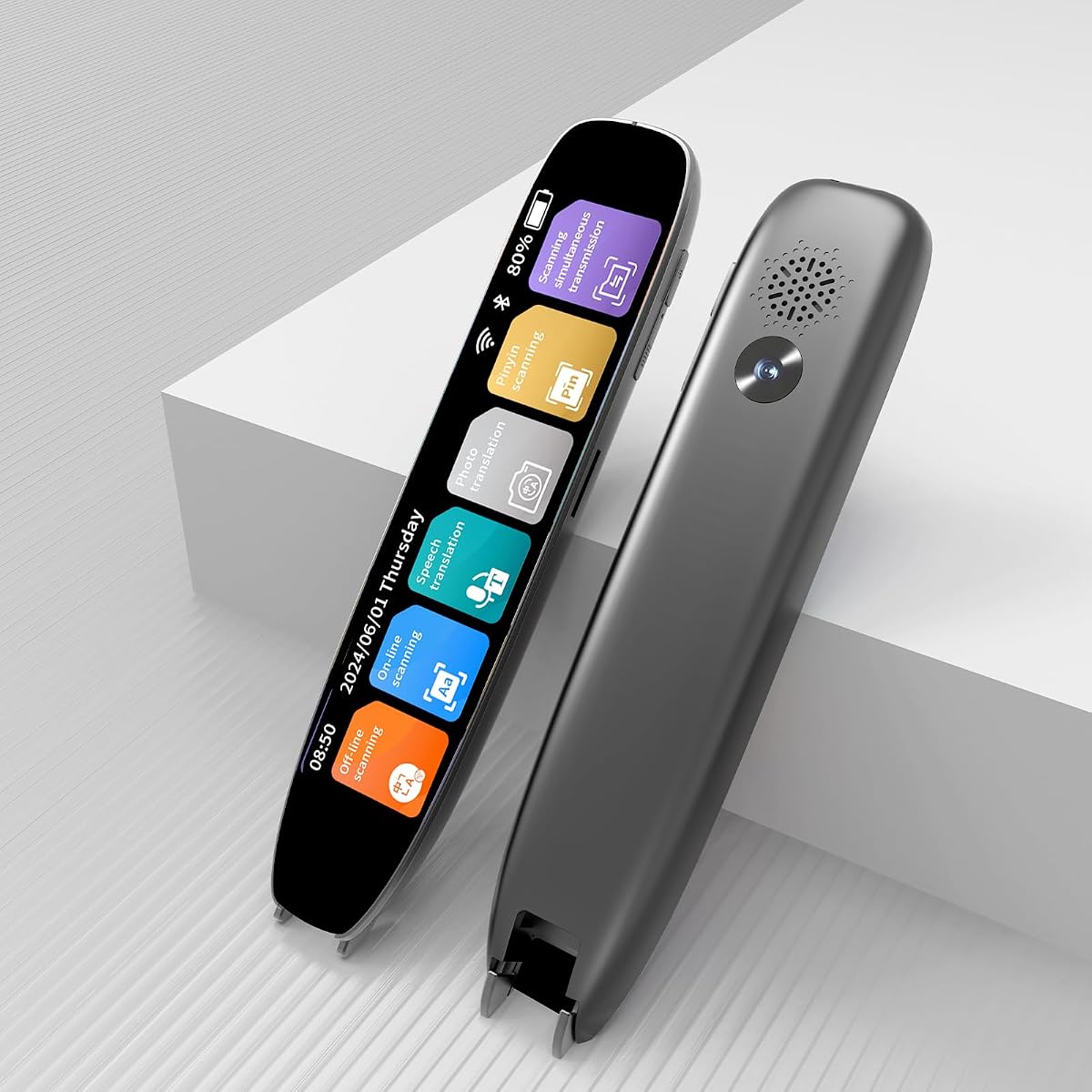
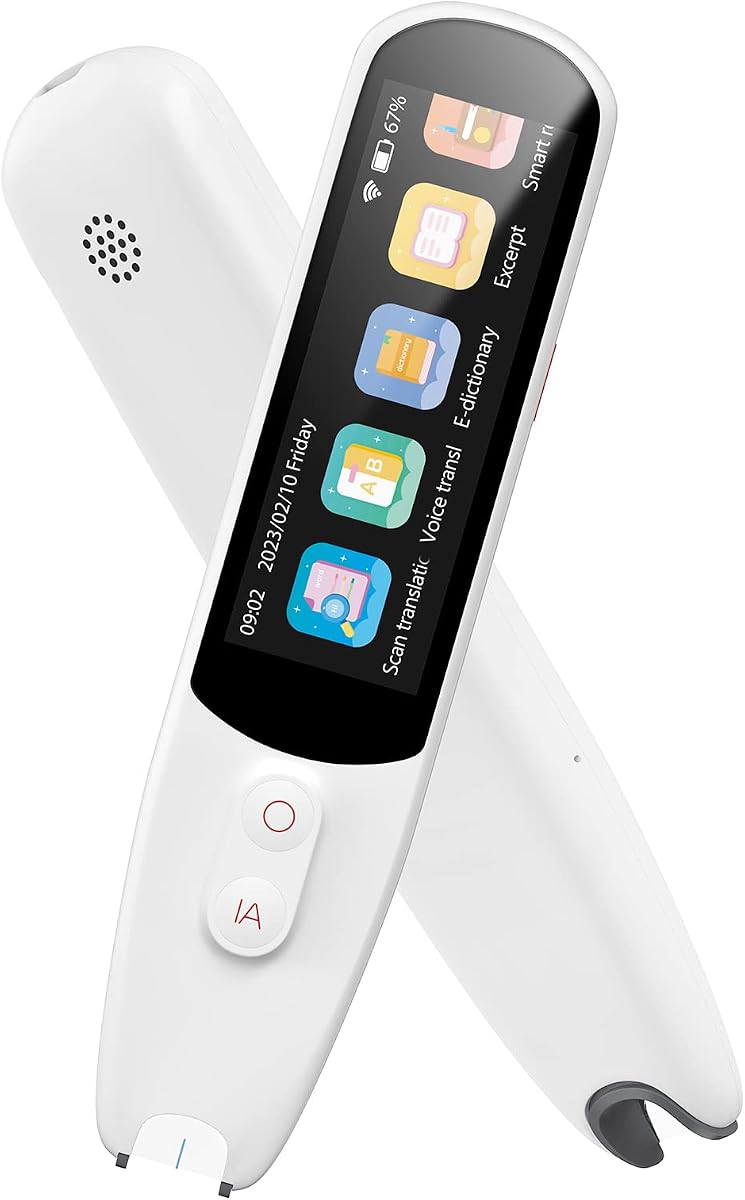


The Scanmarker Pal stands out as a top choice for those seeking a versatile reading aid. With a strong rating of 4.0, it delivers reliable text-to-speech conversion and translation across over one hundred languages.
We may earn a commission when you buy through this link, at no additional cost to you.
Its ability to scan text and highlight it on screen aids comprehension significantly. Users benefit from instant translations and clear audio playback, making it ideal for students and professionals alike.
While it offers extensive online features, offline capabilities are limited to a few key languages. This trade-off is acceptable given its robust performance and portability for on-the-go learning needs.
We recommend this pen for individuals prioritizing accuracy and language variety. It serves as a comprehensive tool for overcoming reading barriers while supporting multilingual study environments.
The synchronized highlighting helps users track text visually while listening, reinforcing word recognition and improving overall reading fluency.
With support for over 100 languages, this device breaks down language barriers for travelers and international students effectively.
We may earn a commission when you buy through this link, at no additional cost to you.
This model features a notably large touch screen that simplifies navigation and text review. It holds a perfect 5.0 rating from users who appreciate its detailed display and smart translation features.
We may earn a commission when you buy through this link, at no additional cost to you.
The built-in camera allows for photo translation, adding flexibility beyond traditional line scanning. Intelligent recording functions make it useful for capturing lectures or meetings alongside reading support.
While the screen adds value, it does increase the device size somewhat. Users should weigh portability needs against the benefit of a larger interface for easier text verification.
Ideal for those who want visual clarity during translation tasks, this pen bridges the gap between reading aids and communication tools effectively.
The 3.5 inch screen provides ample space to view translated text, reducing eye strain during extended study sessions.
Integrated audio recording helps students capture verbal information, complementing the text-to-speech reading functionality.
We may earn a commission when you buy through this link, at no additional cost to you.
Offering an impressive range of 142 online languages at a budget-friendly price, this pen delivers exceptional value. Users appreciate the balance between cost and advanced features like photo translation.
We may earn a commission when you buy through this link, at no additional cost to you.
Bluetooth connectivity allows for private listening, which is crucial for learners in shared spaces. The offline support for ten major languages ensures usability even without internet access.
The device is lightweight and fits easily into pockets, though it lacks premium build materials. For students needing a reliable tool without breaking the bank, this is a practical choice.
We recommend this option for budget-conscious buyers who still require robust language support and audio features for their learning journey.
Priced competitively, this device makes assistive technology accessible to a wider audience including students and families.
Photo translation extends its utility beyond text scanning, allowing quick interpretation of signs and menus.
We may earn a commission when you buy through this link, at no additional cost to you.
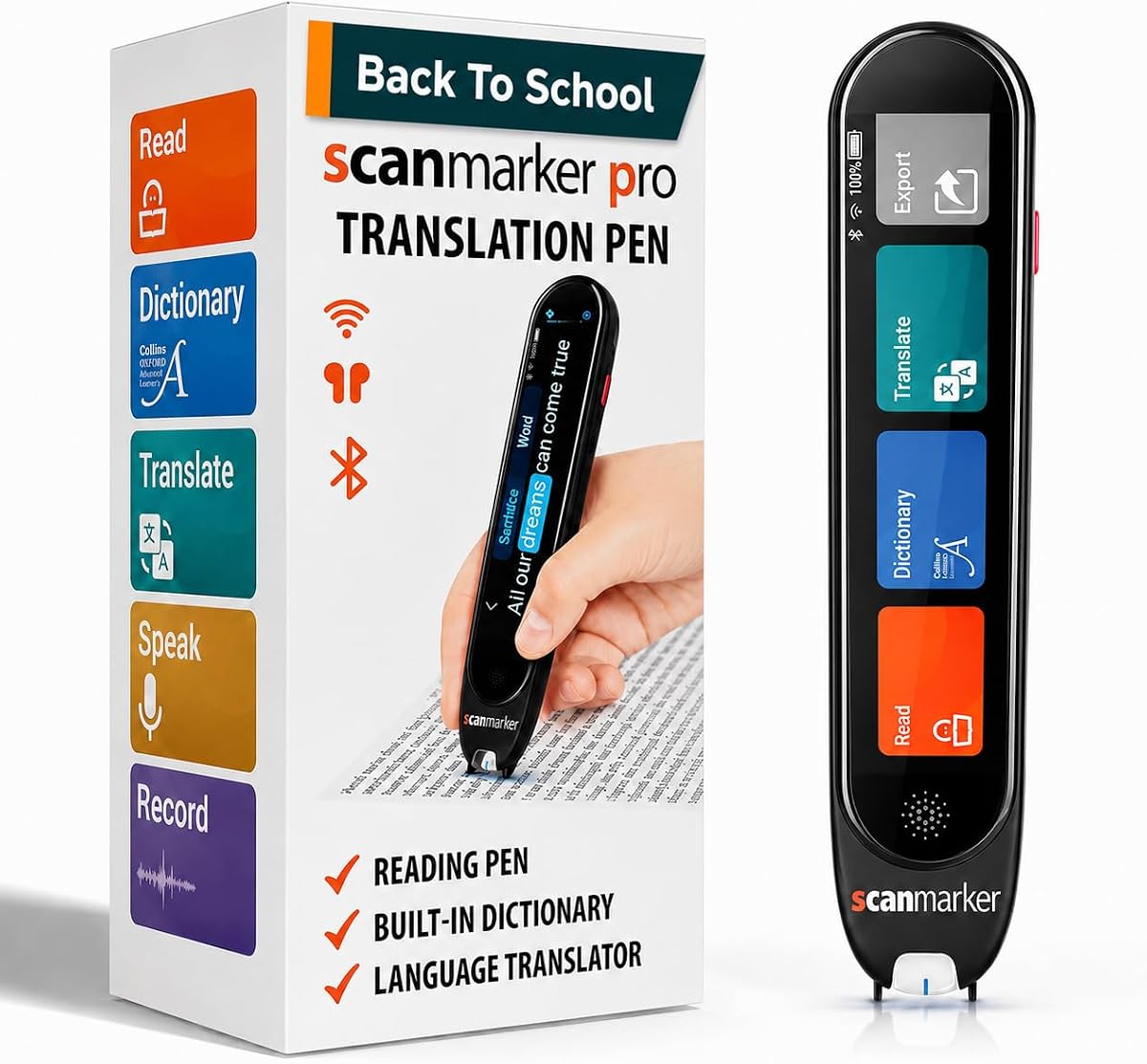
The Scanmarker Pro represents a premium option with integrated dictionary functions and smart note-taking capabilities. Its robust design aims to support both reading and vocabulary building simultaneously.
We may earn a commission when you buy through this link, at no additional cost to you.
Users benefit from a standalone device that does not rely on external apps for core functions. The included warranty and customer support add confidence for long-term investment in assistive technology.
The price reflects these advanced features, making it less accessible for some budgets. However, for those needing comprehensive educational tools, the investment often pays off in improved literacy.
We suggest this pen for adults and older students who prioritize vocabulary growth and structured learning alongside basic reading assistance.
Built-in dictionaries provide instant definitions, helping users expand their word knowledge while reading text.
The device functions independently without requiring constant phone pairing, offering a streamlined reading experience.
We may earn a commission when you buy through this link, at no additional cost to you.
This model distinguishes itself with a dedicated voice recording function alongside its reading and translation tools. It appeals to users who need to capture both audio and text content efficiently.
We may earn a commission when you buy through this link, at no additional cost to you.
With 142 languages online and offline options for key regions, it remains versatile for international use. Text extraction allows users to save notes directly to their devices for later review.
Some users find the interface slightly complex compared to simpler readers. However, the multi-functionality provides significant value for those managing diverse learning tasks daily.
We recommend this for students who need a combination of reading aid, translation tool, and lecture recorder in one portable device.
The voice recorder helps students retain verbal instructions while the pen handles written text interpretation.
Syncing extracted text to mobile devices ensures no important study notes are lost during research.
We may earn a commission when you buy through this link, at no additional cost to you.
Tailored for student needs, this pen offers adjustable speech speeds to match individual reading rates. It integrates translation and note-taking into a single device, simplifying study routines.
We may earn a commission when you buy through this link, at no additional cost to you.
The noise reduction technology in its recording mode ensures clear audio capture even in busy environments. This feature supports both language learning and academic note-taking effectively.
While it offers fewer languages than top-tier models, it covers most major regions. The affordability makes it a good entry point for students new to assistive reading tools.
We recommend this for middle school or high school students needing a reliable, affordable tool for daily homework and classwork assistance.
Adjustable audio speeds allow users to listen at a comfortable pace, improving comprehension and retention.
Smart note export helps organize study materials digitally, keeping assignments and vocabulary lists tidy.
We may earn a commission when you buy through this link, at no additional cost to you.
This pen integrates artificial intelligence to provide homework checking and real-time chat support alongside standard reading functions. It is designed to be a comprehensive study buddy with advanced features.
We may earn a commission when you buy through this link, at no additional cost to you.
Users can choose from six reading levels, making it adaptable for various proficiency stages. The built-in camera and 16GB storage support extensive data collection and photo translation tasks.
The AI features require setup and internet connectivity for best results. While powerful, this dependency may limit use in offline environments compared to simpler scanning pens.
We recommend this for tech-savvy students who want intelligent tutoring features alongside their reading support tool.
Real-time AI chat helps users understand complex concepts immediately, offering personalized learning assistance.
Multiple reading levels ensure the device grows with the user, maintaining relevance as skills improve.
We may earn a commission when you buy through this link, at no additional cost to you.
Designed with business travelers in mind, this pen offers efficient two-way translation and text extraction. It helps professionals navigate foreign documents and communication barriers effectively.
We may earn a commission when you buy through this link, at no additional cost to you.
Offline capabilities ensure reliability even without internet access abroad. The lightweight design makes it easy to carry in a briefcase or pocket during international trips.
While the interface is straightforward, it lacks advanced learning tools. This makes it ideal for quick communication rather than long-term educational development.
We recommend this for professionals who frequently travel abroad and need quick, reliable language translation on the go.
Two-way translation ensures effective communication with locals during meetings or daily interactions abroad.
Text excerpt allows quick capturing of business document details without manual typing.
We may earn a commission when you buy through this link, at no additional cost to you.
This pen excels in image recognition, handling complex layouts better than many standard scanners. It maintains a perfect rating due to its reliability in translating non-standard text formats.
We may earn a commission when you buy through this link, at no additional cost to you.
The 5MP camera ensures clear recognition of menus and signs, which is crucial for travelers. Syncing data directly to a phone streamlines the review process for learners.
While it is robust in imaging, the interface remains basic. Users focused primarily on book reading may not need such advanced optical capabilities.
We recommend this for those who frequently encounter varied text environments like menus and signage during travel or work.
The camera decodes non-standard text structures, ensuring accurate translation of diverse documents.
Mobile sync allows quick sharing of captured text, facilitating collaborative study or note management.
We may earn a commission when you buy through this link, at no additional cost to you.
This model focuses on physical comfort, featuring a 70g lightweight body and left-hand scanning options. It addresses ergonomic needs for users with hand fatigue during long study sessions.
We may earn a commission when you buy through this link, at no additional cost to you.
The classroom recording feature is useful for students needing to review lectures later. With 142 languages online, it remains versatile for language learning and translation tasks.
While the screen is small, the design prioritizes portability and ease of use. This makes it a strong contender for daily carry and physical comfort.
We recommend this for users who prioritize ergonomic comfort and need a lightweight tool for frequent daily use.
The lightweight build reduces strain during extended scanning tasks, benefiting users with physical sensitivities.
Left-hand mode ensures comfort for left-handed users who might otherwise struggle with standard scanning pens.
We may earn a commission when you buy through this link, at no additional cost to you.
Selecting the right reading pen depends on your specific needs, language requirements, and budget. Understanding key features ensures you invest in a tool that provides lasting support.
Determine how many languages you need. Most devices offer over 100 languages online, but offline support varies. If you travel often, offline capabilities for key languages are essential.
Prioritize models that support both online and offline translation to ensure reliability in areas without internet access.
Audio clarity is crucial for comprehension. Look for devices with adjustable speech speeds and clear voice options to match your listening preferences.
Test the audio output if possible, as poor quality can hinder the learning process for users with dyslexia.
Consider where you will use the pen. Compact models fit easily in pockets, while larger screens offer better visibility for text verification.
Choose a size that balances screen readability with ease of carrying during daily commutes or travel.
Offline features allow you to use the pen without internet. Check which languages are available offline as this impacts utility abroad.
Ensure the device offers offline scanning and translation for your primary languages to avoid connectivity issues.
Some pens include cameras for photo translation. This feature is useful for menus, signs, or complex document layouts.
If you encounter diverse text types, prioritize models with high-resolution cameras for accurate image recognition.
Long battery life ensures uninterrupted use during study sessions or travel. Look for specifications regarding usage hours on a single charge.
A durable battery prevents the frustration of sudden shutdowns during critical reading tasks.
Features like voice recording, note-taking, and Bluetooth connectivity add value. Consider if these extras align with your specific learning workflow.
Invest in a pen that offers the most relevant combination of tools without unnecessary complexity.
Prices vary significantly based on features. Balance cost with necessary functionalities, and check for warranty coverage to protect your investment.
A longer warranty period often indicates manufacturer confidence in the product's durability and support.
To begin, charge the device fully and install any necessary software updates. Familiarize yourself with the basic scanning and playback controls before starting your first session.
When scanning text, hold the pen steady and move it slowly across the line. For best results, ensure the surface is flat and free of glare to aid recognition accuracy.
Clean the lens regularly with a soft cloth to maintain scanning precision. Store the pen in a protective case when not in use to prevent physical damage during transport.
Most models support offline translation for a limited number of languages. For full offline functionality, verify which languages are included in the device's internal database before purchasing.
While primarily designed for print, some models can scan text on digital screens. Check the product specs to confirm if optical character recognition works effectively on screens for your use case.
Many modern pens feature Bluetooth connectivity to sync notes and files with smartphones. Ensure your phone supports the required connection type for seamless data transfer.
Accuracy depends on the device model and language. High-quality models offer clear audio that significantly aids comprehension, though complex terminology may sometimes require context.
Yes, they are excellent for language learners. The translation and audio features help users understand new vocabulary and pronunciation in real-time during study.
Most devices store limited scanned text locally. For large documents, exporting notes to a computer or phone is recommended to avoid storage constraints on the pen itself.
We have reviewed ten distinct models ranging from budget options to premium tools. Each offers unique strengths, from large screens to advanced AI tutoring capabilities.
Prioritize features like offline language support and audio clarity if you need reliability during travel or independent study sessions.
Prices and availability change frequently, so verify current details before making your final purchase decision for optimal support.