
Photography Copy Holder Mag Stand
5.0Editor score
Magnetic strips included
Precision grid lines
Affordable price point
Compare top copy stands for film scanning and photo digitizing to find the best solution for archiving old photos and documents with your camera or smartphone.
Finding the right copy stand for film scanning and photo digitizing is essential for preserving memories without expensive equipment. These tools allow you to use your existing camera or smartphone to capture high-quality images of flat objects efficiently.
We evaluated ten leading copy stands based on stability, ease of setup, and compatibility with various devices. Our selection includes options for hobbyists and professionals, ensuring you can find a model that fits your specific digitizing needs and budget constraints.
Each pick highlights key features, pros, and cons to help you make an informed decision. Prices and availability change frequently, so please check the current listings before purchasing to ensure you get the best value for your investment.
5.0Editor score

4.3Editor score

4.6Editor score
This side-by-side comparison highlights the key specifications and features of the top ten copy stands available in 2026.


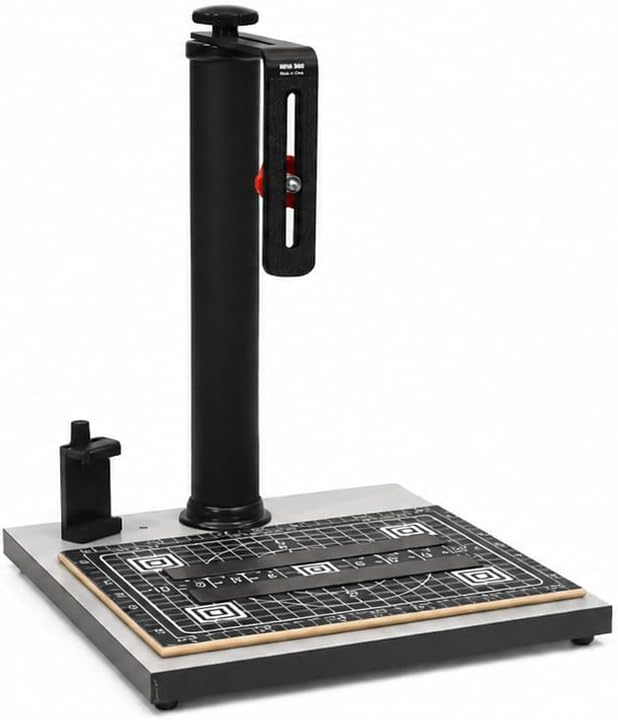


The Cosmo Mini 100 is a versatile copy stand designed for digitizing small photos and documents using your smartphone. With a 4.3 star rating, it offers a balance of affordability and functionality for hobbyists and students alike. Its compact size and quick assembly make it an excellent choice for home use.
We may earn a commission when you buy through this link, at no additional cost to you.
This stand features a durable dark gray melamine baseboard with grid lines to help align your subjects accurately. The included Floating Magnet Board keeps originals flat, ensuring sharp scans without wrinkles. The adjustable column allows you to position your camera at the ideal height for clear shots.
While it is not designed for professional large-format tasks, the Mini 100 handles everyday digitizing needs efficiently. The baseboard holes support both cameras and smartphones, providing flexibility. Some users may find the height range limited for very tall setups.
Ideal for students and casual users, this stand simplifies the process of archiving memories. It is a reliable tool for scanning checks, photos, and collectibles. If you need a portable and affordable solution, this model is highly recommended.
The grid lines on the baseboard and Floating Magnet Board help ensure your subjects are centered and squared.
Dedicated holes allow for precise alignment of smartphone cameras, making mobile digitizing straightforward and effective.
We may earn a commission when you buy through this link, at no additional cost to you.
The Cosmo Mini 300 stands out for its lightweight design and ease of use, rated at 4.2 stars by users. It is perfect for those who need a portable solution for digitizing photos and documents without heavy equipment. The setup takes under a minute, allowing you to start working immediately.
We may earn a commission when you buy through this link, at no additional cost to you.
This model includes a larger baseboard than the Mini 100, providing more space for various items. The Floating Magnet Board helps secure originals flat with magnetic strips. The column is adjustable, allowing you to find the best angle for your specific camera or phone.
While it is not a professional grade stand, it serves hobbyists well for everyday tasks. The aluminum bracket is reversible and adjusts both vertically and horizontally. However, it may not support very heavy DSLR setups or large formats.
If you are looking for a compact tool to digitize old photos at home, this is a strong candidate. It balances portability with functionality. Consider this stand if you value quick assembly and ease of transport.
Supports cameras up to three pounds, making it suitable for point-and-shoot and mirrorless cameras easily.
The Floating Magnet Board ensures your photos and documents stay flat and aligned during the digitizing process.
We may earn a commission when you buy through this link, at no additional cost to you.
This Copy Macro Stand is designed specifically for film digitization and macro photography tasks. While it lacks user ratings, its heavy-duty metal construction suggests durability for professional or serious enthusiast use. The quick-release plate allows for fast camera mounting and removal.
We may earn a commission when you buy through this link, at no additional cost to you.
The stand features a sturdy aluminum base with leveling feet to ensure stability. This is crucial when digitizing 135 or 120 negatives where even slight movement can ruin the shot. The bubble level helps keep your camera perfectly aligned to prevent lens tilt.
The vertical adjustment allows you to frame your negatives and slides accurately. It is compatible with DSLRs and mirrorless cameras via standard mounts. The construction focuses on rigidity, which is essential for high-resolution digitizing work.
For those focused on film scanning, this stand offers the necessary stability and adjustability. It is a specialized tool that may not fit general document scanning needs. If you prioritize build quality and stability for film work, this is a viable option.
Optimized for digitizing 135 and 120 negatives with a stable base to eliminate camera shake.
Built-in bubble level and locking knob ensure your camera remains aligned during the duplication process.
We may earn a commission when you buy through this link, at no additional cost to you.
The Kaiser 205411 is a premium copy stand rated 4.6 stars by professional users. It features a non-reflective matte gray base that minimizes glare during scanning. The anodized aluminum column is durable and includes inch and cm scales for precise adjustments.
We may earn a commission when you buy through this link, at no additional cost to you.
This stand allows the column to rotate 180 degrees, offering flexibility for different camera orientations. It supports smaller SLR and digital cameras up to 3.3 pounds. The design focuses on precision, with fine grids and scales to help with alignment.
While it is more expensive than other options, the build quality and warranty reflect its professional standing. It is suitable for use with various CCD and CMOS cameras. Optional lighting kits are available for those needing more illumination.
For professionals needing reliable performance and precise controls, this stand is an excellent investment. The scales and rotation options add significant utility. Consider this if you are looking for a long-term solution for your photography needs.
Includes inch and cm scales on both the base and column for precise measurement and alignment.
The column rotates 180 degrees, allowing for different camera setups to suit your specific workflow.
We may earn a commission when you buy through this link, at no additional cost to you.
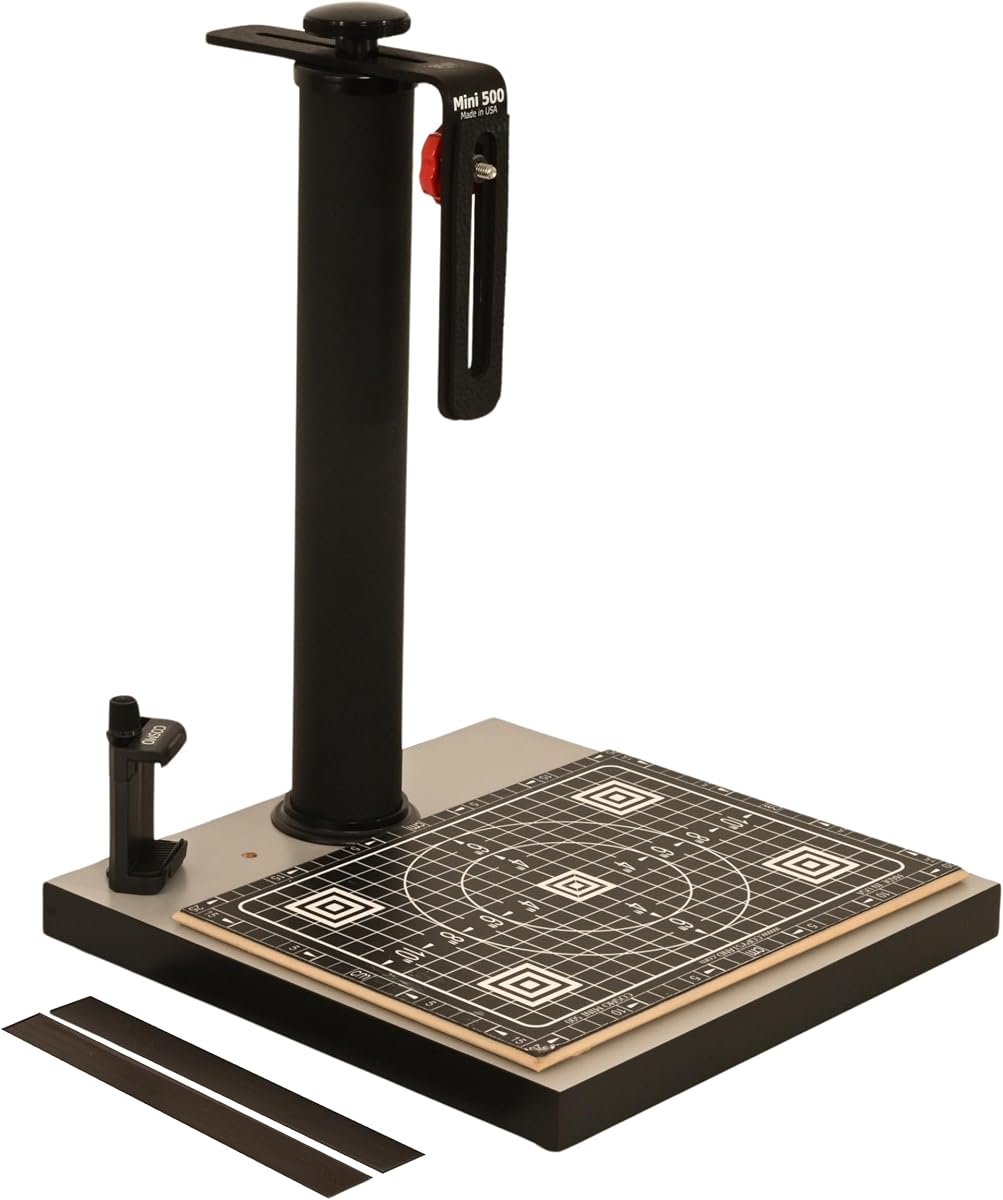
The Cosmo Mini 500 is a sturdy copy stand rated 4.2 stars for its durability and portability. It features a 12×12 inch baseboard that provides a large surface area for your digitizing tasks. The built-in phone holder makes it easy to use with smartphones.
We may earn a commission when you buy through this link, at no additional cost to you.
This model supports cameras up to 3 lbs and offers a wide vertical adjustment range. The Floating Magnet Board keeps your originals flat with precision grids. The steel column provides rigidity to prevent shaking during long exposures.
It is ideal for creative work like digitizing slides, artwork, or tattoos. The design focuses on being easy to set up and built to last. However, you may need to purchase an LED light box separately for some applications.
If you want a balance between portability and stability, this is a great choice. It works well for both creative and document scanning needs. Consider this stand if you need a reliable tool that can handle a variety of subjects.
The stand includes a dedicated holder for smartphones, ensuring easy access for mobile scanning.
Designed to support tasks like digitizing artwork, calligraphy, and sketches with consistent alignment.
We may earn a commission when you buy through this link, at no additional cost to you.
This version of the Cosmo Mini 500 offers a slightly wider baseboard, providing more room for larger documents. It is built with the same sturdy materials as the standard model, ensuring stability and durability. The setup is quick and easy for home use.
We may earn a commission when you buy through this link, at no additional cost to you.
The Floating Magnet Board helps keep your originals flat, reducing the risk of wrinkles in your scans. The stand supports various cameras and smartphones, making it versatile for different tasks. The steel column ensures rigidity during digitizing.
It is suitable for creative work and small object scanning. The precision grid lines help with accurate alignment and focusing. While it lacks specific user ratings, the build quality suggests it will perform well for most users.
If you need a bit more space on your baseboard, this variant is a good option. It maintains the portability and ease of use of the standard model. Consider this if you regularly digitize slightly larger documents.
The 13×12.5 inch baseboard offers more room for larger documents compared to similar models.
Supports both cameras and smartphones with the same adjustable height and alignment features.
We may earn a commission when you buy through this link, at no additional cost to you.
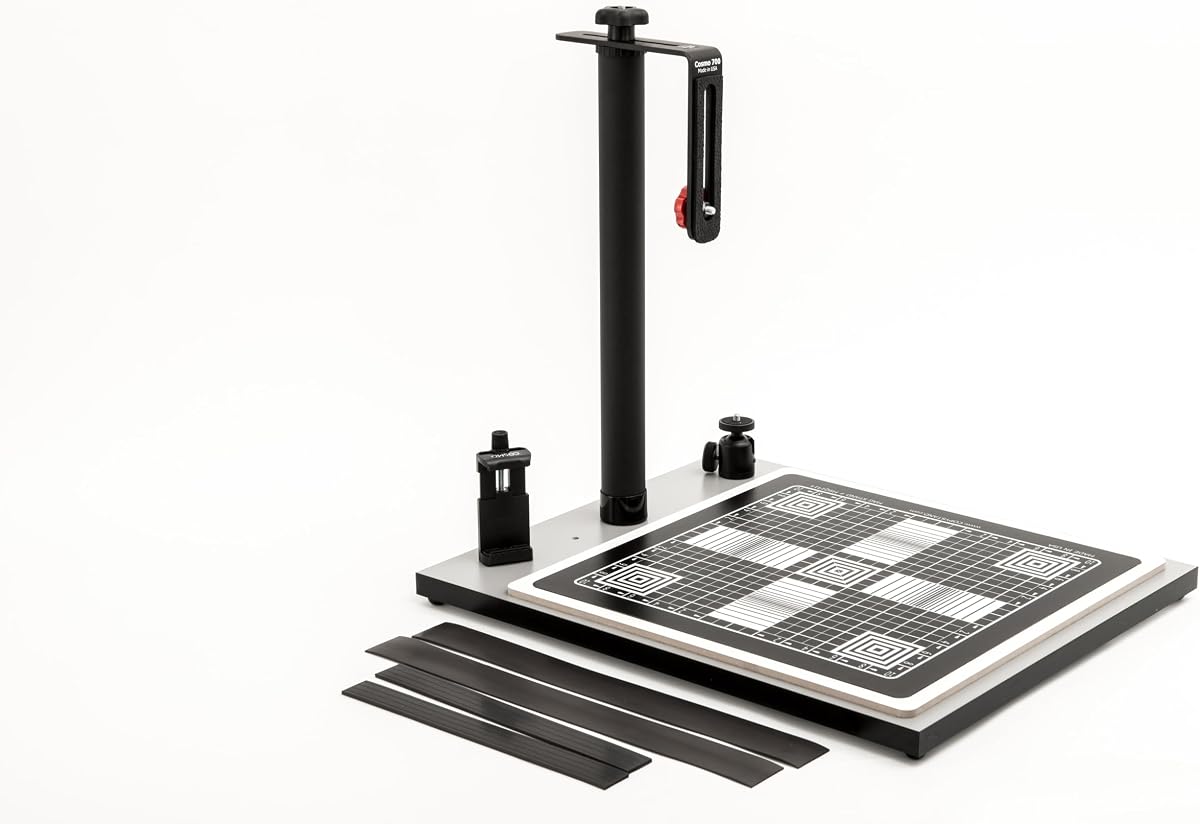
The Cosmo Mini 700 is designed to handle larger items like documents, food plates, and 3D objects. With a baseboard size of 15.5×18.5 inches, it offers ample space for big scanning tasks. The included ball head allows for smooth angle adjustments.
We may earn a commission when you buy through this link, at no additional cost to you.
This stand comes with a large 15×15 inch Floating Magnetic Board, perfect for large photos and documents. The magnetic strips keep originals flat while the grid lines help with alignment. The column is made of durable powder-coated steel.
It is suitable for art students, food photographers, and online sellers. The aluminum bracket provides multiple positioning options for your camera. While it lacks specific user ratings, the features suggest it is built for versatility.
If you need to scan larger items, this model provides the necessary space. The ball head adds flexibility for different shot types. Consider this stand if you are looking for a robust solution for varied projects.
The 15.5×18.5 inch baseboard allows you to digitize larger documents and photos without cropping.
The included ball head lets you adjust the camera angle smoothly for better composition.
We may earn a commission when you buy through this link, at no additional cost to you.
This version of the Cosmo Mini 700 is highly rated at 4.8 stars by users. It is excellent for food photography and digitizing large documents with its spacious baseboard. The ball head ensures you can adjust the camera angle easily.
We may earn a commission when you buy through this link, at no additional cost to you.
The large Floating Magnetic Board helps secure large photos and food items flat. The grid lines assist with precise alignment for high-quality images. The durable steel column provides stability for your camera setup.
It is perfect for online sellers and food vendors needing to showcase their work. The multiple positioning options on the bracket add to its utility. Users appreciate its ease of setup and effectiveness for large items.
For those prioritizing user feedback and performance, this is a top choice. It handles large subjects better than most compact stands. Consider this model if you want a proven solution for food or document scanning.
The large baseboard and ball head make it ideal for capturing food plates and meals.
With a 4.8 star rating, users report satisfaction with its performance and build quality.
We may earn a commission when you buy through this link, at no additional cost to you.
The Kaiser RS1 Copy Stand is a professional tool rated 4.2 stars for its robust build and vibration resistance. It features an extra-wide column that ensures stability during high-resolution scanning tasks. The roll-off spring mechanism provides smooth height adjustments.
We may earn a commission when you buy through this link, at no additional cost to you.
This stand includes interchangeable bushings for different camera mounts. The matte gray base prevents reflections, improving image quality. It is designed for heavy-duty use in professional environments where consistency is key.
The height adjustable arm allows for precise framing of your subjects. It is more expensive than consumer models, but the durability justifies the cost. If you need a reliable tool for frequent professional use, this is a strong option.
Consider this stand if you are looking for professional-grade performance and stability. It offers features like vibration resistance that are rare in consumer models. It is a great investment for serious photographers and archivists.
The extra-wide column reduces vibration for sharper images during long exposures.
Roll-off spring mechanism allows for smooth and effortless height adjustments.
We may earn a commission when you buy through this link, at no additional cost to you.
This Photography Copy Holder is a budget-friendly option rated 5.0 stars by users. It serves as a stable magnetic document holder for quick copying tasks. The three-layer wood base ensures durability and stability on any desk surface.
We may earn a commission when you buy through this link, at no additional cost to you.
The surface includes 0.5-inch precision grids to help with initial alignment. Magnetic strips secure your originals, keeping them flat during scanning. It is perfect for use with digital cameras or phones without needing a full stand.
While it does not have a column, it works well if you already have a mounting solution. It is lightweight and easy to store. Users appreciate its simplicity and effectiveness for small documents.
For those on a tight budget, this is an excellent starting point. It provides essential features like grids and magnets at a low price. Consider this if you need a simple and reliable solution for quick copying.
Can be placed on a desk or base of a copy stand for versatile use.
Designed for quick copying without needing a complex column setup.
We may earn a commission when you buy through this link, at no additional cost to you.
Choosing the right copy stand involves considering your specific digitizing needs and equipment compatibility.
The baseboard provides the surface for your originals. Larger boards accommodate documents and photos without borders. Look for materials like melamine or wood with grid lines for precise alignment. Ensure the surface is non-reflective to avoid glare.
The height determines how far your camera can be from the subject. Adjustable columns allow flexibility for different lens focal lengths. Look for smooth locking mechanisms to prevent camera shake during long exposures.
Ensure the stand supports your specific camera type, whether it is a DSLR, mirrorless, or smartphone. Check weight limits and mounting threads. Integrated phone holders can simplify the process for mobile users.
A Floating Magnet Board keeps your originals flat using magnetic strips. This is essential for scanning documents and photos without wrinkles. Ensure it includes grid lines for alignment and sizing.
Sturdy materials like aluminum and steel prevent wobbling. A stable base is critical for sharp images. Look for models with leveling feet to ensure the stand remains flat on uneven surfaces.
Quick assembly saves time and effort. Look for stands that can be set up in under a minute without tools. Portable designs are useful if you need to move your setup frequently.
Prices vary based on features and build quality. Determine your budget and prioritize features that matter most to you. Often, mid-range models offer the best balance of affordability and functionality.
Some stands include LED lights or ball heads. These can improve lighting and angle control. Check if the stand is compatible with optional lighting kits for better results.
Set up your copy stand on a flat surface and adjust the leveling feet to ensure stability. Attach your camera or smartphone securely to the mounting point.
Place your documents or photos on the baseboard or Floating Magnet Board. Use the magnetic strips to keep them flat and aligned with the grid lines.
Adjust the height and angle of your camera to frame the subject. Ensure adequate lighting and avoid direct sunlight or harsh shadows for consistent results.
A copy stand is used for capturing high-quality images of flat objects like documents, photos, and artwork. It provides stability and consistent lighting for digitizing purposes.
Yes, many copy stands come with holders designed for smartphones. Ensure the stand has a phone bracket or compatible mounting hole for your device.
While some stands include LED kits, you can use external lighting. Consistent and diffused light helps avoid glare and shadows on your scanned images.
Use a Floating Magnet Board or a glass cover to keep documents flat. Magnetic strips are effective for holding paper without damaging it.
Many models are lightweight and portable. Look for compact designs and quick assembly features if you need to move the stand frequently.
Check the stand's weight limit. Most accommodate cameras up to three pounds, but professional models may support heavier DSLR setups.
Wipe the baseboard with a soft cloth to avoid scratches. Keep the column clean to ensure smooth adjustments and prevent dust buildup.
A ball head allows for flexible angle adjustments. It is useful for precise framing but may not be necessary for all digitizing tasks.
We have reviewed ten top options that balance performance, portability, and features. The Cosmo Mini 100 stands out for its value and ease of use.
Consider your specific needs, such as baseboard size or camera compatibility, before purchasing. Higher-end models like the Kaiser offer professional durability.
Prices and availability change frequently. Check current listings to ensure you get the best deal for your chosen model.