
ASUS ProArt PA32QCV
3.9Editor score
Factory calibrated color
Thunderbolt 4 support
MacBook color matching
Finding the right display for high-resolution work can be challenging. A 32 inch 6K monitor offers immense screen real estate and pixel density perfect for creative professionals, developers, and enthusiasts who demand clarity and precision in their daily tasks.
We evaluated ten leading models based on panel technology, color accuracy, connectivity options, and build quality. Our analysis focuses on real-world performance for tasks like video editing, graphic design, and multitasking to ensure you find a monitor that fits your workflow.
Each pick below highlights specific strengths and trade-offs to help you decide. Prices and availability change frequently so check current listings before purchasing. We aim to provide transparent insights so you can invest confidently in a display that elevates your productivity.
3.9Editor score

3.8Editor score

4.6Editor score
As an Amazon Associate we earn from qualifying purchases.
Below you will find a side-by-side comparison of all ten models. This table highlights key specifications and unique features so you can quickly identify which monitor aligns with your specific needs and budget constraints.


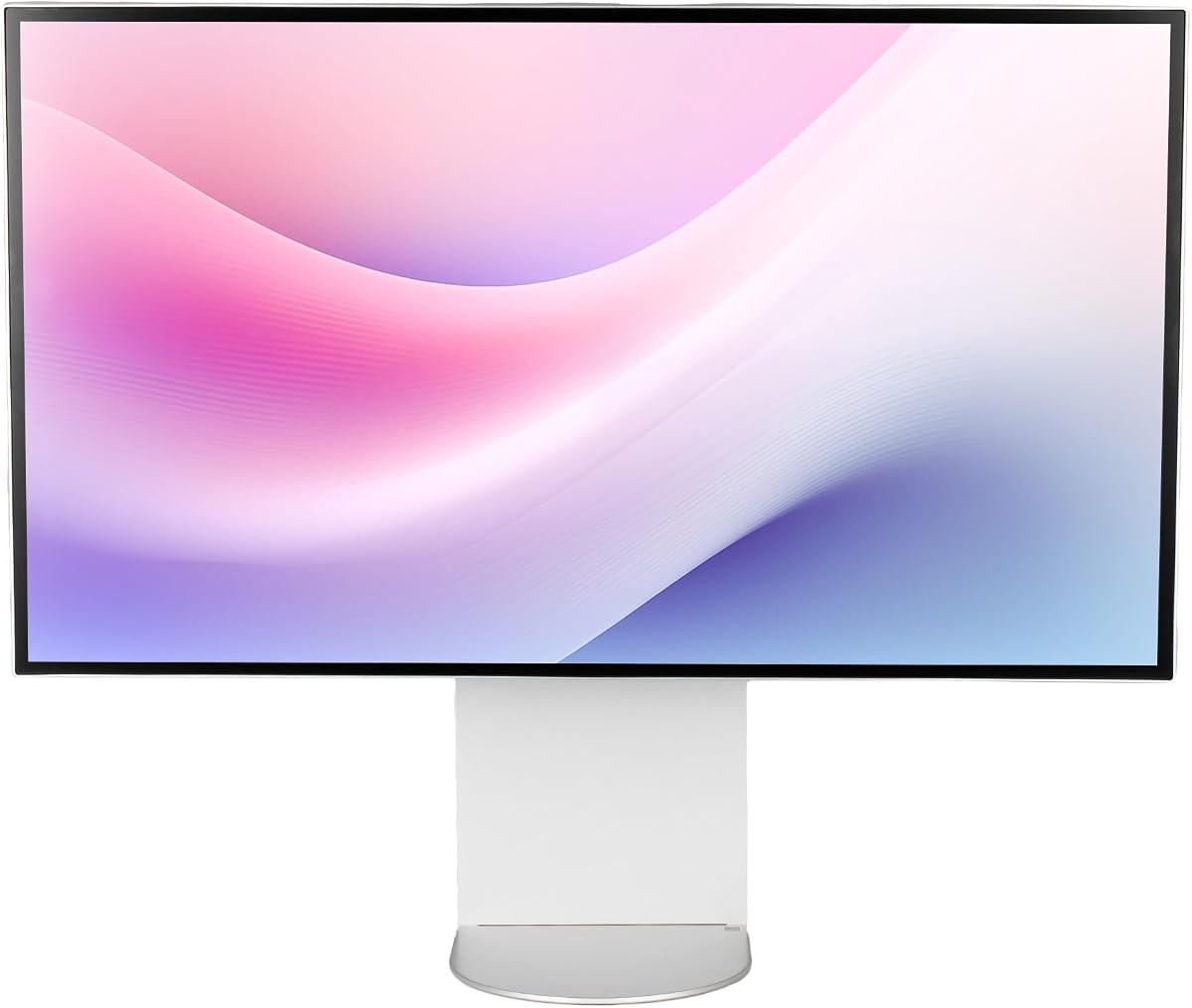
The LG 32U990A-S stands out as a top contender for professionals seeking the highest fidelity. It delivers a stunning 6K resolution with Nano IPS Black technology for deeper blacks and vibrant colors.
We may earn a commission when you buy through this link, at no additional cost to you.
Its standout feature is Thunderbolt 5 connectivity which enables ultra-fast data transfer and power delivery over a single cable. This makes it ideal for modern Mac setups or high-end Windows workstations needing speed.
While the price is high the performance justifies the investment for serious creatives. The only trade-off is ensuring your computer supports Thunderbolt 5 to fully utilize the bandwidth capabilities.
We recommend this monitor for video editors and designers who need reliable color and speed. It transforms your desk into a powerful production hub ready for demanding workflows.
Thunderbolt 5 offers significantly higher bandwidth than previous generations allowing seamless 6K video streams and fast external storage access without lag.
With near-perfect color coverage this monitor ensures your prints and digital exports match what you see on screen reducing costly revision loops.
We may earn a commission when you buy through this link, at no additional cost to you.
The ASUS ProArt PA32QCV offers an accessible entry point into 6K territory without sacrificing essential professional features. It focuses on color accuracy and workflow efficiency for creators on a budget.
We may earn a commission when you buy through this link, at no additional cost to you.
A key strength is its factory calibration ensuring Delta E less than 2 accuracy out of the box. This saves time and money on external calibration tools right from day one.
The Auto KVM switch allows effortless control of two computers with one keyboard and mouse. While brightness is moderate it remains suitable for most indoor office or studio environments.
This model is perfect for graphic designers who prioritize color fidelity over gaming performance. The extended warranty and included software add significant value to the purchase price.
The built-in KVM switch streamlines multi-device workflows letting you switch contexts instantly without unplugging cables or changing inputs manually.
MacBook color matching ensures seamless visual continuity when using the monitor alongside a MacBook which is crucial for consistent branding work.
We may earn a commission when you buy through this link, at no additional cost to you.
The G32P offers a premium experience with its unique honeycomb cooling design and glossy finish that enhances visual depth. It is built for users who demand top-tier performance and aesthetics.
We may earn a commission when you buy through this link, at no additional cost to you.
Its high power delivery supports fast charging for laptops while maintaining 6K output. The color accuracy is exceptional making it a strong choice for color critical professional work.
However it ships without a stand requiring a separate purchase or VESA mount setup. This adds to the total cost but allows for flexible mounting configurations tailored to your desk.
Choose this monitor if you want a high-end experience and don't mind the extra setup steps. It is designed for enthusiasts who value engineering and visual quality equally.
The honeycomb structure helps dissipate heat efficiently ensuring stable performance during long editing sessions without thermal throttling issues.
The glossy finish improves contrast and color vibrancy providing a more cinematic look for media consumption and creative output.
We may earn a commission when you buy through this link, at no additional cost to you.
The Samsung Odyssey G8 brings gaming prowess to the 6K space with a 165Hz refresh rate and dual mode capability. It balances visual fidelity with speed for mixed usage scenarios.
We may earn a commission when you buy through this link, at no additional cost to you.
Its fast IPS panel delivers vivid colors and quick response times reducing motion blur. The Dual Mode lets you toggle between 6K and 3K for higher frame rates when gaming.
While it excels in speed it may not match dedicated pro monitors for color accuracy. The HDR implementation is good but not class leading for critical mastering work.
This monitor is ideal for gamers who also do creative work. It offers a great compromise for those who need both performance and clarity in one display.
Switching to 3K at 330Hz ensures smooth gameplay without sacrificing the option for crisp 6K productivity when needed.
Multiple inputs including HDMI 2.1 and DP 2.1 ensure compatibility with a wide range of gaming consoles and PCs.
We may earn a commission when you buy through this link, at no additional cost to you.
The Dell UltraSharp U3224KB is designed for business users needing sharp text and reliable connectivity. Its 6K resolution provides plenty of space for documents and spreadsheets.
We may earn a commission when you buy through this link, at no additional cost to you.
USB-C connectivity allows for single cable docking for laptops. The 450 nits brightness ensures readability even in well-lit office environments without eye strain.
It lacks advanced gaming or HDR features but that is not its purpose. The build quality and stand adjustability make it a comfortable choice for long workdays.
Choose this monitor for corporate setups or general productivity. It prioritizes function and reliability over flashy features which suits business needs well.
Height tilt and pivot adjustments help maintain a healthy posture during long hours of typing and reviewing content.
The built-in USB hub connects peripherals easily reducing cable clutter and keeping your workspace tidy.
We may earn a commission when you buy through this link, at no additional cost to you.
This bundle version of the LG UltraFine evo includes essential accessories like cable ties and a cleaning kit. It offers a complete package for users who want everything in one box.
We may earn a commission when you buy through this link, at no additional cost to you.
The monitor itself matches the performance of the standard version with excellent color and contrast. The added value of accessories makes the price more attractive for new buyers.
It is an efficient choice for setting up a workspace quickly without hunting for extra items. The KVM feature adds flexibility for multi-device control as well.
We recommend this bundle for first-time buyers. It simplifies the setup process and ensures you have the tools needed to maintain your display properly.
Cable ties and cleaning kits save time and money by providing necessary maintenance tools right out of the box.
Streamlined setup options help you start working faster with less fuss over cables and setup details.
We may earn a commission when you buy through this link, at no additional cost to you.
The G32X focuses on a minimalist aesthetic with a clean design and high power delivery. It aims to blend into your workspace while providing robust performance.
We may earn a commission when you buy through this link, at no additional cost to you.
Its 100W power port allows laptops to run without needing separate chargers. The eye care features ensure comfortable viewing for long sessions with reduced glare and flicker.
While it has fewer ports than competitors it covers the basics efficiently. The design appeals to those who prefer clean lines and simplicity over complex interfaces.
Pick this for a modern look and reliable power delivery. It is well suited for setups where visual harmony and convenience are top priorities.
Anti-glare and flicker-free backlighting reduce strain helping you focus longer without discomfort during extended work hours.
The minimalist frame maximizes screen real estate while keeping the footprint small for better desk organization.
We may earn a commission when you buy through this link, at no additional cost to you.
This bundle includes a two-year protection pack and essential cables for immediate setup. It offers peace of mind for business users concerned about long-term reliability.
We may earn a commission when you buy through this link, at no additional cost to you.
The monitor provides clear 6K visuals and basic connectivity for everyday tasks. The included cables mean you can start using it right away without extra purchases.
While it lacks cutting-edge features the protection plan adds value by reducing risk. This is ideal for corporate procurement where warranties are a priority.
Choose this if you need security and standard performance. It is a practical solution for environments where uptime and support matter most.
The enhanced protection plan covers potential issues giving you confidence in your investment over time.
Included cables remove setup delays so you can focus on work immediately after unboxing.
We may earn a commission when you buy through this link, at no additional cost to you.
The ALOGIC Clarity Touch is the world's first 6K touchscreen making it unique in this list. It offers a digital drafting board experience ideal for artists and architects.
We may earn a commission when you buy through this link, at no additional cost to you.
The included stylus allows for precise input directly on the screen. The stand adjusts to lay flat which enhances usability as a drawing surface.
The price is high and the use case is specific to those needing touch input. But for illustrators or designers it offers a productivity boost not found elsewhere.
We recommend this for creatives who want to sketch directly. It redefines how you interact with high-res displays with natural input.
Drawing or annotating directly on the screen creates a more intuitive workflow for visual professionals.
The rotating base supports both upright and flat modes for versatile usage scenarios throughout the day.
We may earn a commission when you buy through this link, at no additional cost to you.
The LG Ultrafine AEU is a variant often found in international markets. It shares core specs with the standard model but includes distinct power efficiency ratings.
We may earn a commission when you buy through this link, at no additional cost to you.
It offers multiple USB-C ports for versatile connectivity. The anti-glare coating helps manage reflections in bright environments ensuring a clear view.
While power efficiency is rated lower it delivers solid performance. This model is best for regions where it is available and compatible.
Select this if you need international compatibility. It provides the same high resolution benefits with slight regional customization.
Three USB-C ports allow you to connect multiple devices without needing additional hubs.
Understanding regional differences helps ensure compatibility with your local power and port standards.
We may earn a commission when you buy through this link, at no additional cost to you.
Choosing the right monitor requires balancing resolution, connectivity, and color accuracy against your budget. This section outlines key factors to consider.
A 32 inch 6K monitor provides over 21 million pixels offering incredible sharpness for text and images. This density reduces eye strain by making small details visible without zooming.
Look for displays with at least 200 PPI to ensure crisp rendering suitable for professional creative work and detailed editing.
Professional work demands precise color. Check for 98% DCI-P3 or Adobe RGB coverage and low Delta E values.
Factory calibration ensures accuracy out of the box saving you time and money on extra calibration tools.
Modern workflows rely on Thunderbolt 4 or 5 ports for fast data and power delivery. Ensure your monitor supports your laptop's interface.
Multiple HDMI and DisplayPort inputs allow easy switching between devices like consoles and desktops without cable swapping.
For video editing a standard 60Hz is often enough. Gamers should look for higher refresh rates like 165Hz.
Fast response times reduce motion blur ensuring smooth visuals during dynamic content or gaming sessions.
An adjustable stand with height tilt and pivot options promotes better posture. VESA compatibility is useful if you plan to use a wall mount.
Consider the physical footprint of the stand to ensure it fits comfortably on your desk space.
IPS panels offer wide viewing angles and consistent color. OLED provides deeper blacks but is rare in 6K monitors.
Nano IPS Black technology can improve contrast ratios making it easier to see details in dark scenes.
Flicker-free backlighting and low blue light modes protect vision during long sessions. Anti-glare coatings reduce reflections in bright rooms.
Certifications like TÜV Rheinland confirm these features are effective for reducing eye fatigue over time.
A longer warranty period protects your investment. Some brands offer five years while others offer two.
Check for customer support availability to handle issues quickly if they arise during the warranty term.
Start by connecting your laptop via Thunderbolt or USB-C to enable single cable docking. If your system supports it enable scaling settings in your OS to use text at comfortable sizes without losing workspace.
Calibrate your display periodically to maintain color accuracy. Use built-in profiles for specific tasks like printing or web design to ensure consistency across all your work.
Clean the screen with a soft microfiber cloth and approved cleaning solution. Avoid harsh chemicals that could damage anti-glare coatings or sensitive pixels.
For standard office tasks 4K is usually enough but 6K offers extra space for multitasking. It is ideal for developers or writers who keep many windows open at once.
Yes rendering 6K requires significant GPU power. Ensure your graphics card supports the resolution via HDMI 2.1 or DisplayPort 2.0 for smooth performance.
Most models support both Mac and Windows. Just check USB-C or Thunderbolt compatibility and ensure your drivers are updated for the best experience.
Thunderbolt 5 offers faster data speeds and higher bandwidth than 4. It supports multiple 6K displays and rapid external drive access in one cable.
For professionals who spend hours in front of the screen they are worth it. The clarity reduces eye strain and improves productivity on complex projects.
LG and ASUS often lead in ergonomics. Look for full height tilt and pivot adjustments to customize your view and reduce neck strain.
The LG 32U990A-S and ASUS ProArt PA32QCV stand out as top choices for different needs. Whether you need Thunderbolt 5 speed or budget-friendly calibration there is an option here for everyone.
Prioritize color accuracy and connectivity based on your workflow. If you edit video or code the clarity and workspace of 6K will significantly enhance your daily output.
Prices and models change often so check current listings before buying. Investing in a high-quality monitor today ensures your setup remains relevant for years to come.