
WD SE 2TB Datacenter Hard Disk Drive
4.4Editor score
High capacity at low cost
Enhanced vibration tolerance
5-year limited warranty
Selecting the right internal storage is crucial for maintaining a responsive and efficient computing environment. A 7200 Rpm HDD Hard Drive offers a balanced combination of speed and capacity that suits most everyday computing needs.
We evaluated ten leading models based on cache size, interface speed, warranty terms, and real-world performance metrics. This list covers desktop and laptop options from trusted manufacturers to ensure compatibility and longevity.
Each pick highlights specific strengths such as gaming performance, data center reliability, or cost efficiency. Please note that availability and pricing fluctuate frequently so verify details before purchasing your final drive.
4.4Editor score

4.6Editor score

4.4Editor score
As an Amazon Associate we earn from qualifying purchases.
The following table provides a side-by-side comparison of all ten drives to help you identify key differences in cache, size, and intended use cases at a glance.


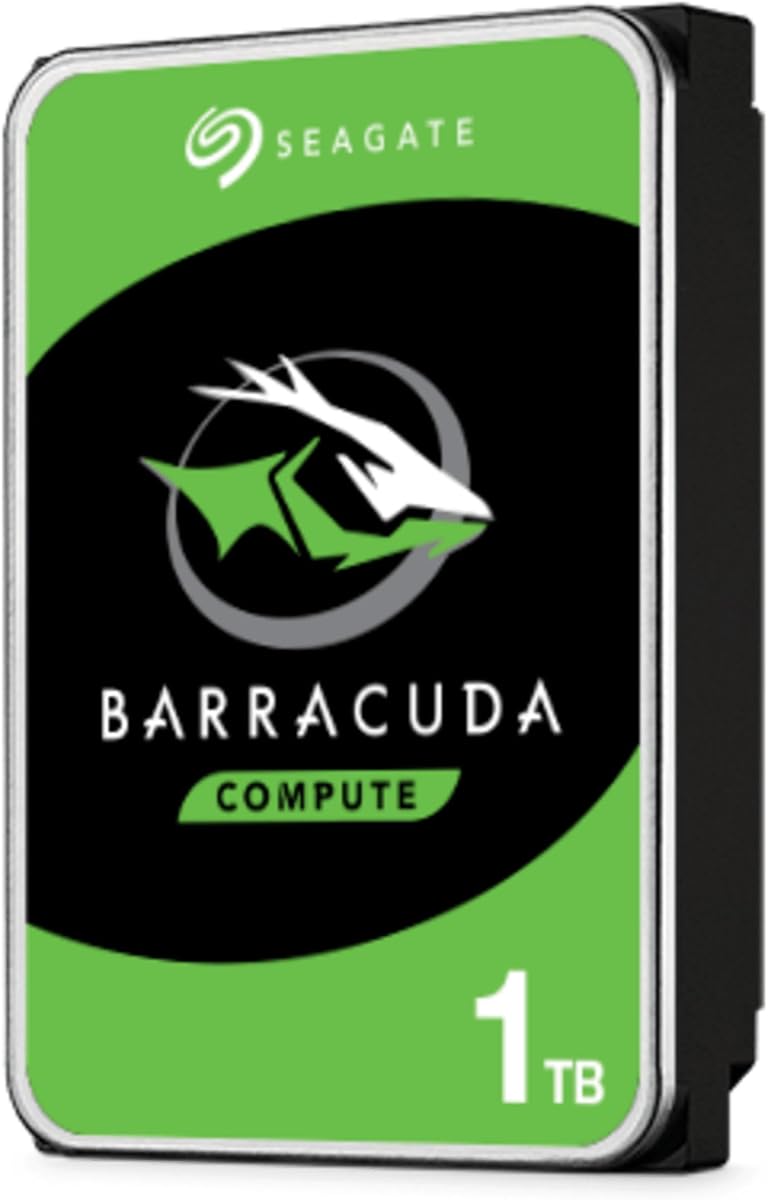


This Seagate BarraCuda drive stands out as the top choice for general desktop users seeking a reliable 7200 Rpm HDD Hard Drive. With a solid 4.6 rating it delivers consistent performance for gaming and media storage without breaking the bank.
We may earn a commission when you buy through this link, at no additional cost to you.
The 64MB cache and SATA 6 Gb/s interface ensure quick data transfer rates which is essential for loading large applications and games. Its frustration free packaging simplifies the unboxing and installation process for builders of all skill levels.
While the warranty is shorter than some premium options the drive remains a solid investment for standard home or office use. Users should be aware that it lacks the extra vibration tolerance found in enterprise class models.
This drive is perfect for anyone building a new gaming PC or upgrading an older system that needs more space. It balances speed and affordability making it the recommended starting point for most internal storage upgrades.
The 7200 RPM speed significantly reduces load times compared to slower 5400 RPM drives enhancing your overall gaming experience.
Backed by twenty years of innovation this drive offers the peace of mind needed for storing important personal files and media.
We may earn a commission when you buy through this link, at no additional cost to you.
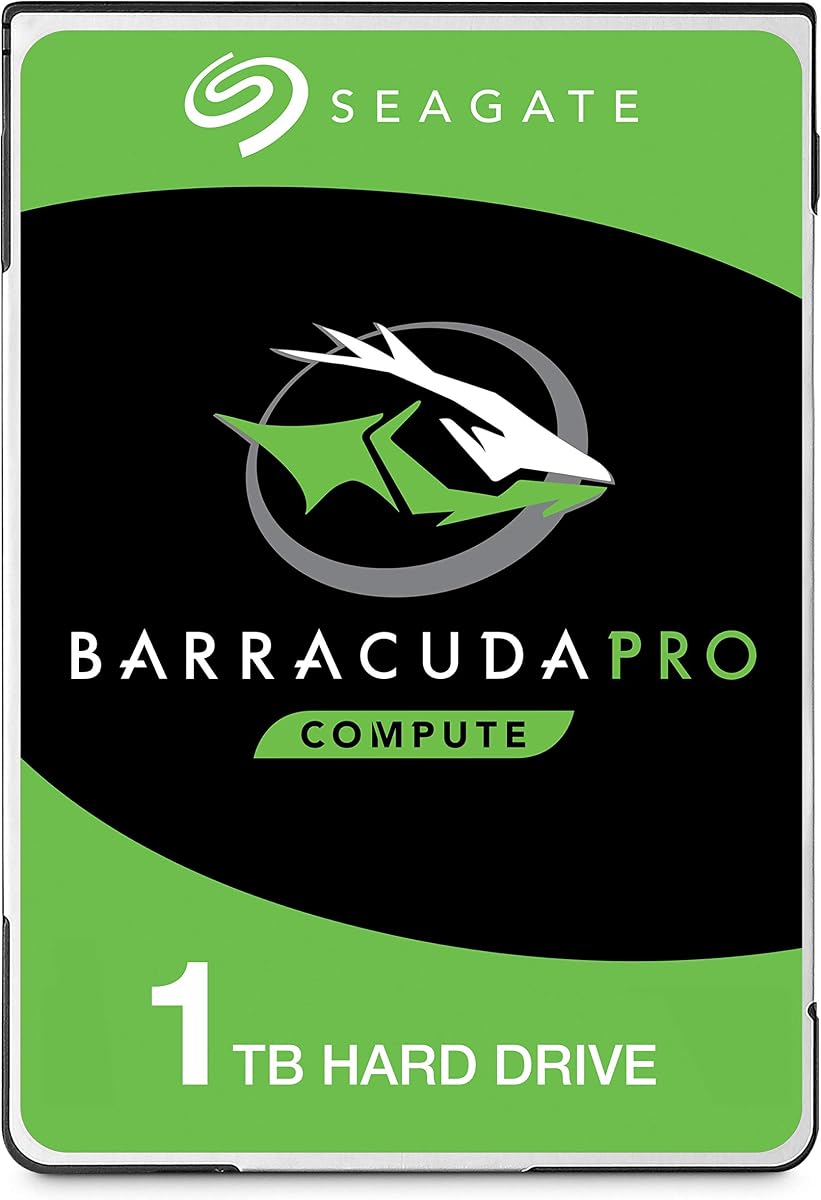
The BarraCuda Pro series brings enterprise-grade performance to portable devices making it a standout 7200 Rpm HDD Hard Drive for laptop users. Its 128MB cache provides a noticeable boost in read write operations compared to standard models.
We may earn a commission when you buy through this link, at no additional cost to you.
The 2.5 inch form factor makes this drive ideal for upgrading older laptops or mobile workstations that cannot fit larger desktop drives. It also comes with a five-year limited warranty and two-year rescue data recovery services for added security.
While the price is higher than standard BarraCuda drives the added performance and warranty coverage justify the cost for professionals who rely on their machines daily. It is a premium choice for those needing speed in a portable package.
Choose this drive if you need a robust storage solution for a laptop or a compact desktop build. The combination of high cache and strong warranty support makes it a reliable long-term investment for critical data.
The 128MB cache optimizes burst performance reducing bottlenecks when handling large files or complex multimedia projects.
Included two-year Rescue Data Recovery Services offer valuable protection against accidental data loss or drive failure.
We may earn a commission when you buy through this link, at no additional cost to you.
Western Digital WD Black drives are renowned for their performance tuning making this 7200 Rpm HDD Hard Drive an excellent choice for gamers and creative professionals. It balances high capacity with the speed needed for demanding workloads.
We may earn a commission when you buy through this link, at no additional cost to you.
Features like StableTrac and Dynamic Cache Technology increase reliability and optimize performance under heavy loads. This drive is designed to handle the intense read write cycles of modern AAA games and video editing software without stuttering.
The higher price reflects its premium positioning and specialized engineering for high performance scenarios. While it may run slightly warmer than standard drives the built-in technologies ensure stability and longevity over time.
If you prioritize speed and reliability for gaming or professional media creation this drive is worth the investment. It offers a robust platform for storing large game libraries and project files with consistent access times.
Engineered for desktop performance gaming this drive reduces load times and ensures smooth gameplay for modern titles.
The five-year limited warranty provides long-term peace of mind for users who depend on their storage for critical data.
We may earn a commission when you buy through this link, at no additional cost to you.
This Seagate model offers a straightforward and reliable 7200 Rpm HDD Hard Drive experience for users needing ample storage space. With a near perfect customer rating it proves to be a dependable option for general computing tasks.
We may earn a commission when you buy through this link, at no additional cost to you.
The 2TB capacity provides plenty of room for media libraries documents and applications without the complexity of enterprise features. It uses the standard SATA 6 Gb/s interface ensuring broad compatibility with modern motherboards and cases.
While it lacks some of the advanced tuning of gaming drives it delivers consistent performance for everyday use at a competitive price point. Users should note that mounting hardware may need to be purchased separately depending on the package contents.
This drive is a safe bet for anyone upgrading their PC storage with a focus on capacity and reliability. It is ideal for home users who want a simple plug-and-play upgrade for their media center or work PC.
The 2TB capacity allows you to store thousands of photos hours of video and large game libraries on a single drive.
Standard SATA interface ensures this drive works with nearly any desktop system built in the last decade.
We may earn a commission when you buy through this link, at no additional cost to you.
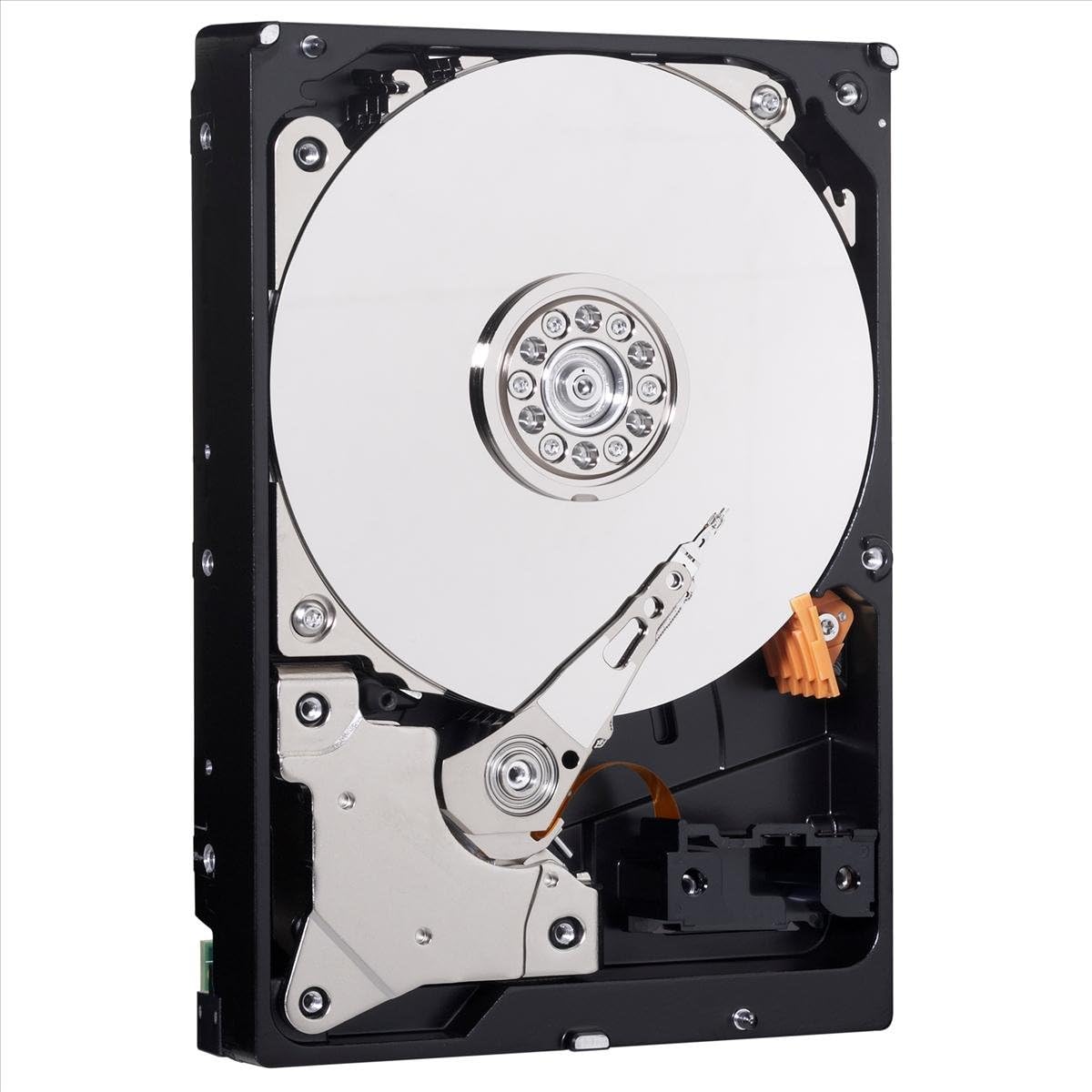
This WD SE drive offers an impressive price to performance ratio making it the best budget 7200 Rpm HDD Hard Drive on our list. It is engineered for datacenter environments but works equally well in demanding home server setups.
We may earn a commission when you buy through this link, at no additional cost to you.
Features like StableTrac and RAFF ensure enhanced vibration tolerance which is crucial when multiple drives run in close proximity. This design choice extends the life of the drive and maintains performance under heavy multi-drive loads.
Although it does not include mounting hardware or cables in the box it provides a robust storage solution that can run continuously without issues. The five-year limited warranty adds significant value for long-term storage planning.
Choose this drive if you are building a network attached storage unit or need reliable mass storage at a low cost. Its endurance features make it a smart choice for users who prioritize reliability and capacity over flashy features.
RAFF technology optimizes performance in high vibration environments reducing wear and ensuring consistent data access.
Delivering the right blend of performance reliability and capacity this drive keeps your total cost of ownership low.
We may earn a commission when you buy through this link, at no additional cost to you.
The Barracuda XT series was designed to bring extreme storage and top-end desktop performance together making it a strong 7200 Rpm HDD Hard Drive for power users. It balances massive capacity with the speed needed for modern applications.
We may earn a commission when you buy through this link, at no additional cost to you.
Its 64 MB cache optimizes burst performance and reduces data throughput bottlenecks ensuring smooth data handling during large file transfers. The SATA 6 Gb/s interface enables compatibility with the fastest storage controllers available today.
While newer models have superseded this series in some markets it remains a reliable option for those needing significant storage space without breaking the budget. The frustration-free packaging ensures a hassle-free experience for system builders.
This drive is an excellent choice for users building a media server or a PC that requires both performance and large capacity. It offers a proven platform for storing large game libraries and multimedia collections efficiently.
The 2TB capacity provides plenty of room for downloading space-hungry PC games movies and other large media files.
SATA 6 Gb/s compatibility ensures this drive takes full advantage of modern motherboard capabilities for fast data rates.
We may earn a commission when you buy through this link, at no additional cost to you.
This BarraCuda model is a go-to solution for nearly every PC application ranging from music storage to video editing and PC gaming. It is a reliable 7200 Rpm HDD Hard Drive that delivers consistent speed for daily tasks.
We may earn a commission when you buy through this link, at no additional cost to you.
The 1TB capacity is often the sweet spot for desktop users needing a balance between performance and space. With its SATA 6 Gb/s interface it ensures fast data transfer speeds for loading games and applications quickly.
While the warranty is limited to two years the drive has a strong track record of reliability that supports long-term use without issues. It is an ideal primary drive for Windows systems or secondary storage for media.
If you are upgrading an older PC this drive offers a straightforward way to modernize your storage subsystem. It is particularly well-suited for gamers who want fast load times without the cost of an SSD.
Whether you edit photos watch videos or play games this drive handles diverse workloads with consistent performance.
Backed by twenty years of innovation this drive offers the trust needed for storing your most important digital assets.
We may earn a commission when you buy through this link, at no additional cost to you.
The WD Blue 500GB is a compact and affordable 7200 Rpm HDD Hard Drive suitable for users who need a basic secondary drive. It offers standard performance for light workloads and is ideal for older systems with space constraints.
We may earn a commission when you buy through this link, at no additional cost to you.
Features like IntelliSeek calculate optimum seek speeds to lower power consumption noise and vibration improving the overall user experience. Data LifeGuard technology monitors drive health continuously ensuring the drive stays in optimum condition.
While the capacity is smaller than modern standards it is sufficient for storing essential documents and system backups. It is a cost-effective way to add storage to a PC that does not need massive space for media.
This drive is best suited for budget builds or systems that primarily rely on cloud storage for large files. Its efficient design helps reduce power usage and noise in home office environments where silence is preferred.
IntelliSeek technology lowers power consumption and noise by calculating optimum seek speeds for your workload.
Data LifeGuard monitors drive health while NoTouch Ramp Load protects data by positioning the head off the disk.
We may earn a commission when you buy through this link, at no additional cost to you.
This BarraCuda model features an impressive 256MB cache which helps optimize burst performance and reduce bottlenecks during heavy data usage. It is a robust 7200 Rpm HDD Hard Drive designed for users needing speed and capacity.
We may earn a commission when you buy through this link, at no additional cost to you.
The included free Seagate DiscWizard software makes migrating data from old drives easier allowing for a smooth transition to your new setup. This convenience adds value beyond the hardware itself for system builders and upgraders.
While the price is higher than standard BarraCuda drives the larger cache and migration tools justify the cost for many users. It remains a reliable choice for general computing gaming and media storage with a high satisfaction rating.
If you need a large fast drive for gaming or media storage this model is a strong candidate. It combines proven reliability with modern features to ensure your data is accessed quickly and reliably.
The 256MB cache optimizes burst performance reducing data throughput bottlenecks for smoother operations.
Free Seagate DiscWizard software simplifies migrating and cloning data from your old drives to the new one.
We may earn a commission when you buy through this link, at no additional cost to you.
This enterprise-grade drive offers an enormous 6TB capacity making it a powerhouse 7200 Rpm HDD Hard Drive for serious data storage needs. It is ideal for RAID systems centralized surveillance and backup restore applications.
We may earn a commission when you buy through this link, at no additional cost to you.
Features like PowerChoice technology and hot-plug support ensure reliability and ease of maintenance in always-on environments. The high MTBF and AFR ratings confirm its suitability for 24×7 operation in demanding server scenarios.
While this is a renewed product it still provides exceptional value for users needing massive storage at a lower cost than new units. It is best suited for advanced users who can manage enterprise-level hardware features effectively.
If you are building a home server or NAS system this drive is a top choice for its capacity and durability. It offers the reliability needed to store vast amounts of data without the constant worry of failure.
Designed for RAID storage this drive supports high availability and data integrity for critical enterprise workloads.
With 1.4M-hour MTBF and robust testing under actual workloads this drive ensures reliable data access.
We may earn a commission when you buy through this link, at no additional cost to you.
Selecting the right hard drive involves considering several technical factors to ensure compatibility and performance with your specific needs.
The physical size of the drive is the first compatibility check you must make. Desktop computers typically use 3.5-inch drives which are larger and often have higher capacities. Laptops and compact builds usually require 2.5-inch drives which are smaller and more power-efficient.
Always check your case manual or laptop specifications to confirm which size is supported before purchasing a drive.
Rotations per minute determine how fast the drive can read and write data. A 7200 RPM speed is faster than the standard 5400 RPM found in budget drives offering quicker load times and better overall system responsiveness.
For gaming or video editing choose a 7200 RPM drive to minimize bottlenecks during intensive file access tasks.
The cache is a small amount of fast memory that stores frequently accessed data. Larger cache sizes like 128MB or 256MB improve burst performance making file transfers and application loading smoother compared to standard 64MB models.
If you handle large files or multiple tasks simultaneously look for a drive with higher cache capacity for better multitasking performance.
Capacity refers to the total amount of data you can store on the drive. For general use 1TB is sufficient but gamers and content creators may need 2TB or more to accommodate large libraries and project files.
Assess your current storage needs and future growth before buying to avoid running out of space prematurely.
The interface determines how the drive connects to the motherboard. SATA 6 Gb/s is the standard for most modern desktops ensuring maximum data transfer speeds. Older systems may only support SATA 3 Gb/s which limits speed even on faster drives.
Ensure your motherboard supports the same interface speed as your drive to avoid slowing down performance unnecessarily.
A longer warranty indicates the manufacturer's confidence in the drive's durability. Desktop drives often come with 2-year warranties while enterprise or premium drives may offer 5 years. Check if the warranty includes data recovery services for extra safety.
Prioritize drives with longer warranty terms if you store critical data that cannot be easily replaced or recovered.
If you plan to install multiple drives in a single enclosure vibration can cause performance issues or failure. Enterprise drives often feature RAFF or StableTrac technology to handle these conditions better than standard desktop models.
For NAS builds or multi-drive arrays choose a drive with explicit vibration tolerance features to ensure long-term stability.
While price is not a specification it often correlates with performance and features. Entry-level drives are cheaper but may lack speed or warranty. Premium models cost more but offer better reliability and additional tools like data recovery.
Balance your budget against your performance needs to find a drive that offers the best value for your specific use case.
When installing your drive ensure all SATA cables are securely connected to the motherboard and power supply. Proper connections prevent data loss and ensure stable performance during operation. Avoid touching the circuit board directly to prevent static discharge damage.
Always allow the drive to spin down properly before moving the computer to avoid physical damage to the platters. Sudden shocks while the drive is spinning can cause read errors or permanent hardware failure. If transporting the PC power it down and wait for the drive to stop completely.
Use software tools to monitor drive health and temperature regularly to prevent overheating. Excessive heat can reduce the lifespan of the drive so ensure your case has adequate airflow. Keeping the system cool extends the operational life of your storage hardware.
No an SSD is generally much faster than a 7200 RPM HDD because it uses flash memory with no moving parts. However the 7200 RPM HDD offers more storage per dollar and is suitable for bulk data storage rather than fast boot times.
Yes they can produce more audible noise due to the spinning platters and moving heads. However modern models often include noise-reducing features like IntelliSeek to minimize vibration and sound during normal operation.
You can if you choose a 2.5-inch model designed for laptops. Ensure the laptop supports SATA drives and has enough power to run the higher-speed motor. Some thin ultrabooks may not support higher-power drives.
You need to install the new drive and clone your existing data using tools like DiscWizard. Ensure the drive is compatible with your system's interface and form factor. Proper mounting hardware and SATA cables are also required for installation.
Yes they are excellent for storing large game libraries and reducing load times compared to slower 5400 RPM drives. While SSDs are faster for loading games these HDDs provide a cost-effective balance for storage and performance.
Most modern 7200 RPM HDDs last around 3 to 5 years with regular use. Proper cooling and handling can extend this life significantly. Regular backups are recommended to protect data regardless of the drive's age.
Most cases come with SATA cables but you should verify before purchasing the drive. These cables are standard and easily available if needed. Ensure the cable is securely connected to avoid loose connections.
It is worth it if you rely on the drive for critical data or a production environment. The extended coverage reduces risk in case of failure and often includes better support options. For basic home use a shorter warranty may suffice.
Our top picks include the Seagate BarraCuda for general use the WD SE for budget storage and the WD Black for gaming performance. These models offer the best balance of speed reliability and value available today.
Prioritize capacity and interface speed based on your specific needs to ensure the drive fits your workflow. Gamers should look for higher cache sizes while media libraries benefit from large capacities at competitive prices.
Remember to check current stock and verify compatibility with your system before finalizing your purchase. Storage technology evolves quickly so ensuring the latest features is key to long-term satisfaction.