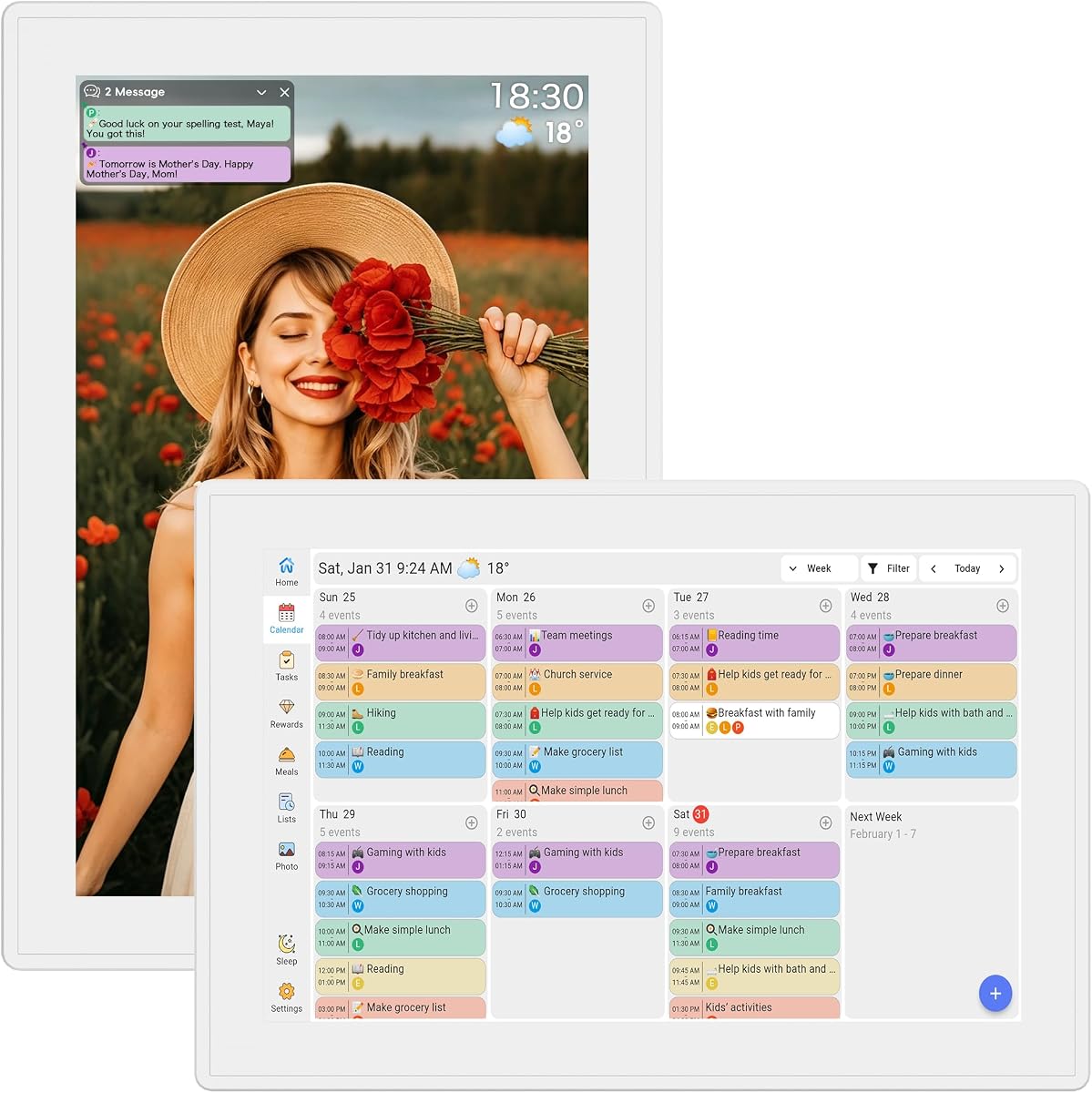
Digital Calendar 10.1-inch Smart Family
5.0Editor score
No subscription fees required
Instant calendar sync capabilities
Smart weather updates included
Keeping a household organized requires clear communication and shared responsibility among all family members. A digital chore chart transforms this process by providing a centralized, interactive platform that tracks tasks and schedules in real time for everyone to see.
We evaluated ten leading digital chore chart systems based on their screen quality, synchronization options, ease of use, and overall functionality. Our analysis focuses on how well each device handles complex family logistics while maintaining an intuitive interface for children and adults alike.
Each selection highlights unique strengths ranging from budget-friendly options to premium smart hubs with advanced AI features. Prices and availability change frequently, so check the latest details before making your final decision on the best fit for your home.
5.0Editor score

4.4Editor score

4.4Editor score
As an Amazon Associate we earn from qualifying purchases.
This side-by-side comparison outlines the core specifications and unique selling points of each digital chore chart model to help you quickly identify the device that best meets your family's organizational needs.
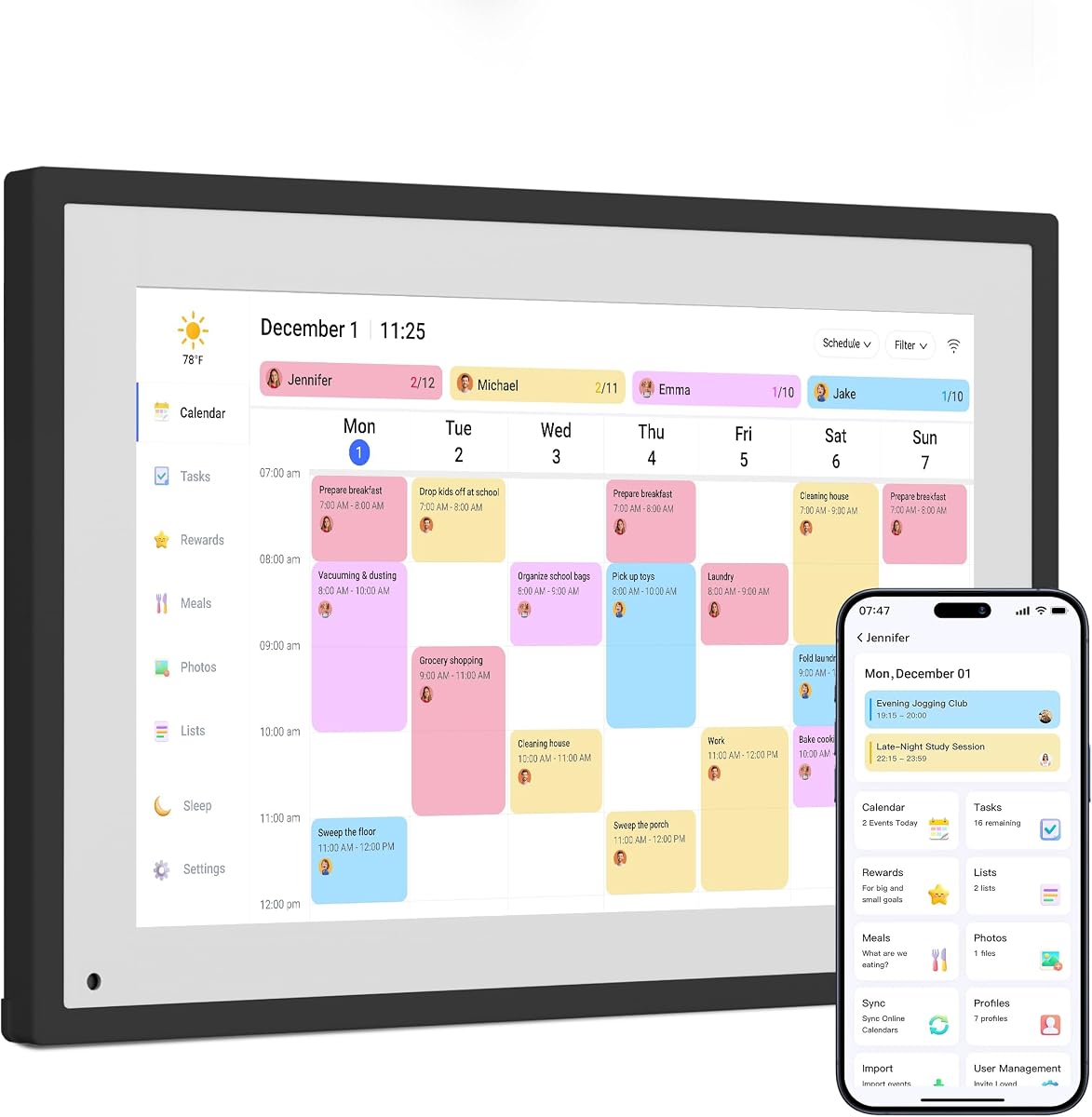




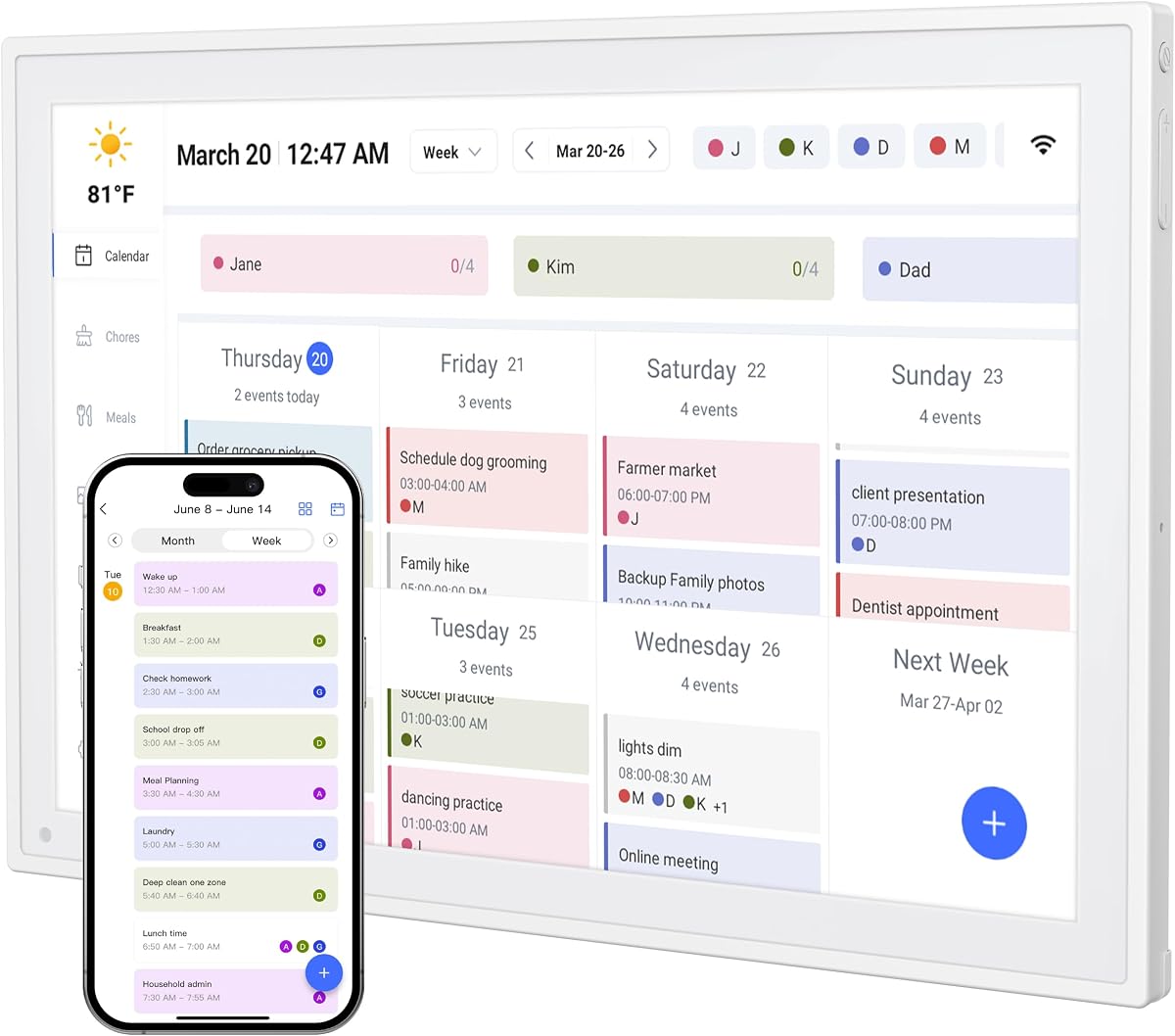

This 15.6 inch digital calendar stands out as a top choice for families seeking a robust command center. It earns a strong rating for its ability to integrate calendars, chores, and photos into one cohesive interface.
We may earn a commission when you buy through this link, at no additional cost to you.
The device features real-time syncing with Google, Outlook, and iCloud, ensuring every family member sees updates instantly. The built-in motivational chore system encourages kids to earn reward points for completed tasks.
While the large screen dominates a wall or desk space, the flexible mounting hardware allows for versatile installation. The high cost may be a consideration for budget-conscious shoppers compared to smaller models.
Ideal for busy households needing organization, this calendar brings everyone together. It is a reliable investment for parents who want to streamline scheduling and reward systems effectively.
This model consolidates meal planning, schedules, and chores into one place for whole-family coordination.
Kids love checking off tasks to earn points, turning routines into a fun gamified experience.
We may earn a commission when you buy through this link, at no additional cost to you.
This compact 10.1 inch smart calendar offers impressive features at an accessible price point. It holds a perfect rating for its user-friendly design and lack of hidden subscription costs.
We may earn a commission when you buy through this link, at no additional cost to you.
The device syncs instantly with Google and Outlook calendars, keeping schedules up to date. Interactive reward charts encourage kids to complete tasks independently without constant parental reminders.
While the screen is smaller than larger command centers, it fits well on any desk or wall. The lack of advanced premium features means some power users might prefer more robust options.
Perfect for families on a budget, this calendar provides all essential organizational tools. It is a top recommendation for parents who want affordability without sacrificing core functionality.
Every feature from chore tracking to weather updates comes unlocked with zero monthly costs.
Kids earn stars and unlock rewards to build responsibility and self-discipline daily.
We may earn a commission when you buy through this link, at no additional cost to you.
Skylight brings a touch of magic to family organization with its unique Disney mode. This premium hub is designed for busy families who want style alongside functionality.
We may earn a commission when you buy through this link, at no additional cost to you.
The 15.4 inch touchscreen provides a clear view of schedules and chores from across the room. It connects to Wi-Fi quickly and syncs with major calendar platforms effortlessly.
While the Plus subscription unlocks extra features like Magic Import, core functionality remains free. The higher price tag is justified for those who value exclusive content and premium build quality.
This calendar is ideal for tech-savvy households wanting a standout display. It serves as both a functional planner and a modern piece of home decor.
Encourage family teamwork with animated characters and screensavers only available on this device.
Weekly meal plans reduce daily stress and keep routines consistent for the whole household.
We may earn a commission when you buy through this link, at no additional cost to you.
This smart calendar combines dual-band Wi-Fi with a compact design for easy placement. It offers a balanced mix of planning and memory features at a mid-range price.
We may earn a commission when you buy through this link, at no additional cost to you.
Users benefit from instant updates across devices thanks to the robust connectivity. The interactive chore chart empowers children to manage responsibilities independently with visual feedback.
The compact size works well on countertops but might lack the grandeur of larger wall units. Photo frame capabilities are functional but less advanced than dedicated digital frames.
Recommended for families needing a central hub without taking up too much space. It strikes a good balance between utility and affordability.
Updates happen instantly to ensure everyone sees the latest schedule changes immediately.
Map out weekly menus and grocery needs in one central spot to simplify daily routines.
We may earn a commission when you buy through this link, at no additional cost to you.
Dragon Touch simplifies family organization with a straightforward setup process. This model is perfect for users who want a quick start without technical hurdles.
We may earn a commission when you buy through this link, at no additional cost to you.
Once connected to Wi-Fi, the device integrates iOS and Google calendars into one unified view. The mobile app allows you to manage tasks from anywhere for greater convenience.
While it lacks wall mounting, the desktop stand ensures stability on any surface. The design is functional but lacks the premium finish of higher-end competitors.
Ideal for parents who value ease of use over extra features. It is a practical gift option for family organization needs.
Access your calendar on the go to update schedules and tasks from your mobile device.
Display family dinner plans to eliminate the daily question of what to cook.
We may earn a commission when you buy through this link, at no additional cost to you.
This electronic organizer provides comprehensive family management without ongoing costs. It includes tools like grocery lists and meal managers to simplify daily tasks.
We may earn a commission when you buy through this link, at no additional cost to you.
The smart weekly meal manager allows recipe uploads and automatically generates grocery lists. This feature helps streamline shopping and reduces last-minute takeout decisions.
While the design is practical rather than decorative, it serves its purpose well. The standard screen resolution is sufficient for viewing calendars but may lack vibrancy.
A solid choice for households focused on utility and budget. It helps keep meals and schedules organized efficiently.
Recipe uploads automatically generate grocery needs to make shopping effortless.
Smart sleep mode saves energy and auto-wakes to keep your planner running smoothly.
We may earn a commission when you buy through this link, at no additional cost to you.
This model features a 1080P display for crystal clear visibility of schedules. The upgraded system offers smooth page-switching and optimized sync performance.
We may earn a commission when you buy through this link, at no additional cost to you.
With 64GB storage, you can hold thousands of HD photos for the digital frame mode. The auto-dimming brightness ensures comfortable viewing day or night without glare.
The adaptive touch display automatically rotates for landscape or portrait use. However, it relies heavily on the AiMOR app which may require learning time.
Perfect for families wanting large screen clarity and extensive media storage. It brings modern tech features to family planning.
Built-in sensors auto-rotate the screen for optimal viewing in any orientation.
Built-in 64GB storage holds thousands of HD files for your photo frame.
We may earn a commission when you buy through this link, at no additional cost to you.
This digital calendar brings value with its Full HD IPS screen and unique silent vibration feature. It stands out for those who need a wake-up reminder without noise.
We may earn a commission when you buy through this link, at no additional cost to you.
Real-time sync across smartphones and tablets ensures schedule changes are always current. The recipe keeper helps organize ingredients so you don't forget what to buy.
The lack of a wall mount limits placement options to desks and counters. App features are basic compared to premium models with extensive remote control options.
Great for bedroom or desk use where noise might be an issue. It offers solid performance at an entry-level price.
Built-in silent vibration motor wakes you for appointments without disturbing others.
Plan weekly meals and save recipes to keep routines consistent with less stress.
We may earn a commission when you buy through this link, at no additional cost to you.
This digital planner is highly reliable for tracking daily tasks and chores. It stands out with its real-time weather forecasts tailored to your location.
We may earn a commission when you buy through this link, at no additional cost to you.
The kids activity planner helps track classes and extracurricular activities. This feature helps parents manage complex schedules without getting overwhelmed by details.
While the design is standard, it fits naturally into any modern home decor. Storage is limited compared to devices with large internal memory options.
A strong choice for families who want reliability without complexity. It works well as a central hub for daily life.
Track kids classes, appointments, and routines effortlessly on one organized screen.
Plan your day with real-time weather forecasts tailored to your location.
We may earn a commission when you buy through this link, at no additional cost to you.
This Full HD display offers a clean interface for family schedules and tasks. It features a sleep mode that ensures zero light pollution at night for better rest.
We may earn a commission when you buy through this link, at no additional cost to you.
You can visually display main courses for meals to help organize groceries efficiently. The grocery list tools allow managing shopping lists all in one shared digital space.
The design is ultra-thin to complement modern home decor. However, it displays menu titles only without detailed recipe steps.
Perfect for those wanting a simple, stylish display. It is an ideal gift for moms and women who manage household logistics.
Switch to sleep mode for zero light pollution at night to ensure better rest.
Manage grocery lists, shopping lists, and meal planning all in one shared space.
We may earn a commission when you buy through this link, at no additional cost to you.
Selecting the right digital chore chart involves evaluating several key factors such as screen size, syncing capabilities, and additional features like meal planning.
Screen size determines how visible the display is from across the room. Larger screens like 15.6 inches are ideal for wall mounts while smaller 10-inch models suit desks. Look for HD or IPS touchscreens to ensure text remains clear at various angles.
Choose a size that fits your available space while remaining readable from a distance.
A strong digital calendar must sync with platforms your family already uses like Google or iCloud. Real-time syncing ensures that when one parent updates a schedule, everyone sees the change immediately. Dual-band Wi-Fi support helps maintain stable connections without lag.
Ensure the device supports your existing email and calendar providers for seamless integration.
Interactive chore charts should allow easy task assignment and progress tracking. Look for built-in reward systems like stars or points that motivate children to complete tasks. These gamified elements turn routine chores into engaging activities rather than burdens.
Prioritize models with intuitive interfaces for kids to check off tasks independently.
Many models include dedicated tools for planning weekly menus and generating grocery lists. Some allow recipe uploads while others simply display menu titles. These features help reduce the daily stress of deciding what to cook for dinner.
Choose a model with meal planning tools that match your cooking and shopping habits.
Some digital calendars offer premium features behind a paywall while others are fully free. Check if advanced syncing or photo storage requires a monthly fee. The best devices provide core functionality without hidden charges.
Always verify the subscription policy before purchasing to avoid unexpected ongoing costs.
Consider whether you want to mount the device on a wall or place it on a desk. Wall mounts offer visibility while desk stands provide flexibility. Ensure the package includes necessary hardware for your preferred installation method.
Select a model that offers the mounting versatility your home layout requires.
Modern calendars often double as digital photo frames to showcase memories when idle. Look for additional perks like weather updates or silent alarms. These extras add value and make the device more useful throughout the day.
Evaluate which extra features align with your specific family routines and needs.
Start by connecting your device to a stable Wi-Fi network and downloading the companion app on your smartphone. This step allows you to sync existing calendars and set up accounts for each family member immediately.
Assign specific colors and tasks to each individual using the touchscreen interface. Encourage children to check off completed tasks themselves to build a sense of responsibility and independence early on.
Regularly update the device software to ensure smooth performance and access to new features. Clean the screen with a soft microfiber cloth to prevent scratches and maintain display clarity over time.
Most models in this guide do not require a subscription for core features like scheduling and chore tracking. Some premium devices offer extra content or advanced storage for a fee but basic functionality remains free. Always check product details before purchasing to avoid hidden costs.
Yes, these devices support multiple user profiles so everyone can view and edit schedules. Changes made on the device sync instantly to connected apps for real-time collaboration across all family members.
You can link your existing accounts through the device settings or the companion app. Simply enter your login credentials and the calendar will import your appointments automatically within minutes.
Not all models support wall mounting as some are designed specifically for desktop use. Always check the product specifications to ensure it comes with the necessary hardware if you plan to mount it on a wall.
Most devices store local data so you can still view existing schedules without internet. However, syncing updates will pause until the connection is restored and you may need to reconnect manually.
These devices are designed with intuitive touchscreens so children can check off tasks without help. The colorful interfaces and simple icons make it easy for even young kids to interact with the calendar.
Choosing the right digital chore chart depends on your family's specific needs and budget. The top picks offer a range of sizes and features to suit any household organization style.
Prioritize syncing capabilities and ease of use to ensure everyone in the family can participate. A device that is too complex may lead to underuse while a simple one might lack necessary tools.
Remember to check current prices and availability before buying as deals change frequently. The best model is one that keeps your home organized and running smoothly every day.