
HP DesignJet T210
4.4Editor score
24 inch media support
Low ink maintenance costs
HP Click software included
Large format plotter printers are essential tools for professionals who need to output high-resolution technical drawings, architectural plans, and promotional materials with precision.
We evaluated ten leading models based on print speed, media handling capabilities, connectivity options, and software integration to help you find the right fit.
Each pick highlights specific strengths and trade-offs so you can choose confidently while keeping in mind that prices and availability may change over time.
4.4Editor score

4.1Editor score

4.3Editor score
As an Amazon Associate we earn from qualifying purchases.
This side by side comparison covers all ten models so you can quickly evaluate their key specifications and decide which one aligns with your workflow.
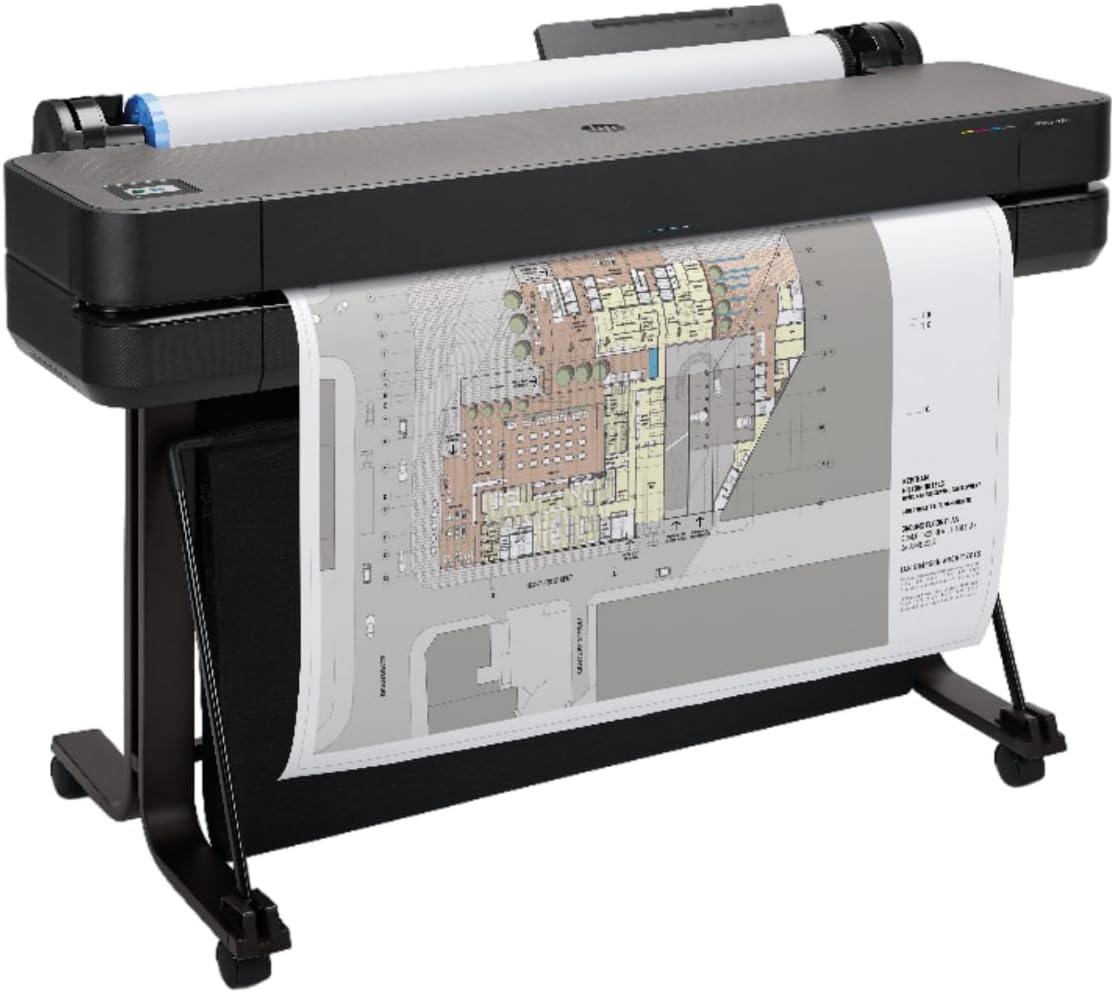



The HP DesignJet T210 earns high marks for delivering reliable large format prints without breaking the budget. With a 4.4 rating, it is a strong choice for CAD drawings, posters, and sewing patterns.
We may earn a commission when you buy through this link, at no additional cost to you.
It excels at technical line drawings and crisp text output thanks to its precise print head. The included HP Click software helps reduce paper waste by auto nesting PDFs and checking for errors before printing.
While it is slower than the 36 inch models, the trade off is worth it for smaller studios. The main limitation is that the automatic sheet feeder is an optional accessory rather than standard.
If you need a dependable 24 inch printer for everyday professional use, this model is an excellent starting point. It balances cost, quality, and workflow features better than most competitors in this range.
The T210 uses 95% less ink for routine maintenance compared to competitors, lowering long term costs.
Predefined print settings and drag drop printing from design apps streamline your daily tasks significantly.
We may earn a commission when you buy through this link, at no additional cost to you.
The HP DesignJet T650 stands out as a robust workhorse for architectural and engineering firms that need speed and reliability. It holds a 4.1 rating among professionals who print large maps and technical line drawings daily.
We may earn a commission when you buy through this link, at no additional cost to you.
Its standout features include a 36 inch media width and an automatic sheet feeder that simplifies switching between rolls and cut sheets. The two year onsite warranty provides peace of mind for busy construction offices.
The main drawback is the higher cost, which may be steep for smaller businesses. However, the efficiency gains from faster print speeds and reduced manual handling often justify the investment over time.
Choose this model if you need a 36 inch printer that balances performance with service support. It is ideal for teams that prioritize uptime and consistent quality over initial cost savings.
Printing up to 82 A1 pages per hour keeps project timelines on track even during peak workdays.
Onsite support ensures you spend less time troubleshooting and more time focusing on client deliverables.
We may earn a commission when you buy through this link, at no additional cost to you.
The HP DesignJet T630 offers a similar experience to the T650 but with a slightly different focus on accessories. It is designed for users who want a 36 inch printer ready to stand alone with a media bin included.
We may earn a commission when you buy through this link, at no additional cost to you.
It handles technical drawings and posters well with crisp text output. The HP Click software helps streamline printing workflows by checking PDFs for errors before they are sent to the printer.
While it lacks the speed and warranty of the T650, it remains a capable machine for regular large format needs. The media bin and stand make it convenient for offices with limited floor space.
This model is best for teams that need a 36 inch printer but do not require the fastest speeds. It provides a reliable balance of features for those who value setup convenience.
The included stand and media bin allow for compact setups without sacrificing large format capabilities.
Auto sheet roll switching means you can print mixed media sizes without manual intervention.
We may earn a commission when you buy through this link, at no additional cost to you.
This HP DesignJet T210 bundle combines a proven 24 inch printer with a two year onsite support pack, earning a high 4.5 rating from users. It is perfect for small firms needing reliability without heavy IT staff.
We may earn a commission when you buy through this link, at no additional cost to you.
You get the same crisp line quality and low ink maintenance costs as the standard T210. The added warranty ensures quick onsite repairs, which minimizes downtime during critical project deadlines.
The main trade off is the 24 inch limit, which might not suit larger map requirements. However, for those who prioritize service and peace of mind over size, this package is very compelling.
Consider this option if you need a 24 inch printer with strong support backing. The combination of performance and warranty makes it a smart investment for growing businesses.
Onsite support means hardware issues are resolved quickly, keeping your production schedule on track.
The efficiency of the T210 series reduces ink costs significantly compared to older plotter models.
We may earn a commission when you buy through this link, at no additional cost to you.
The Canon imagePROGRAF TC-21M distinguishes itself by combining a 24 inch plotter with a flatbed scanner, earning a 4.4 rating for its multifunction capabilities. It is ideal for offices needing both print and scan functions.
We may earn a commission when you buy through this link, at no additional cost to you.
You can make enlargements of smaller originals directly from the scanner in just a few steps. The USB flash drive port and cloud printing features add flexibility for modern mobile workflows.
While it may not match the raw speed of dedicated plotters, its versatility is unmatched. The touchscreen LCD simplifies operations, making it easy for non-technical staff to handle simple tasks.
Choose this model if you need scanning and printing in one compact unit. It is especially useful for teams that frequently digitize and reprint legacy documents.
Scan a letter size original and print it as a 24 inch large format print easily.
Print directly from the cloud without needing a connected computer at all times.
We may earn a commission when you buy through this link, at no additional cost to you.
The HP DesignJet T830 is a compact wireless multifunction plotter designed for architecture studios and construction offices. With a 4.0 rating, it is popular for those who need scan copy print in a small space.
We may earn a commission when you buy through this link, at no additional cost to you.
Its key strength is mobile printing support across iOS, Android, and Chrome OS devices. This flexibility allows team members to send prints directly from their smartphones without needing a desktop computer.
Dynamic security features protect your documents but may limit cartridge choices to HP branded chips. While secure, this can be inconvenient if you prefer generic ink alternatives for cost savings.
Select this model if you need a compact MFP for a busy site. It offers the right mix of connectivity and speed for modern construction project teams.
Update partners quickly with project review results thanks to fast scan and copy features.
Use the HP Smart app to manage print jobs from anywhere on the job site.
We may earn a commission when you buy through this link, at no additional cost to you.
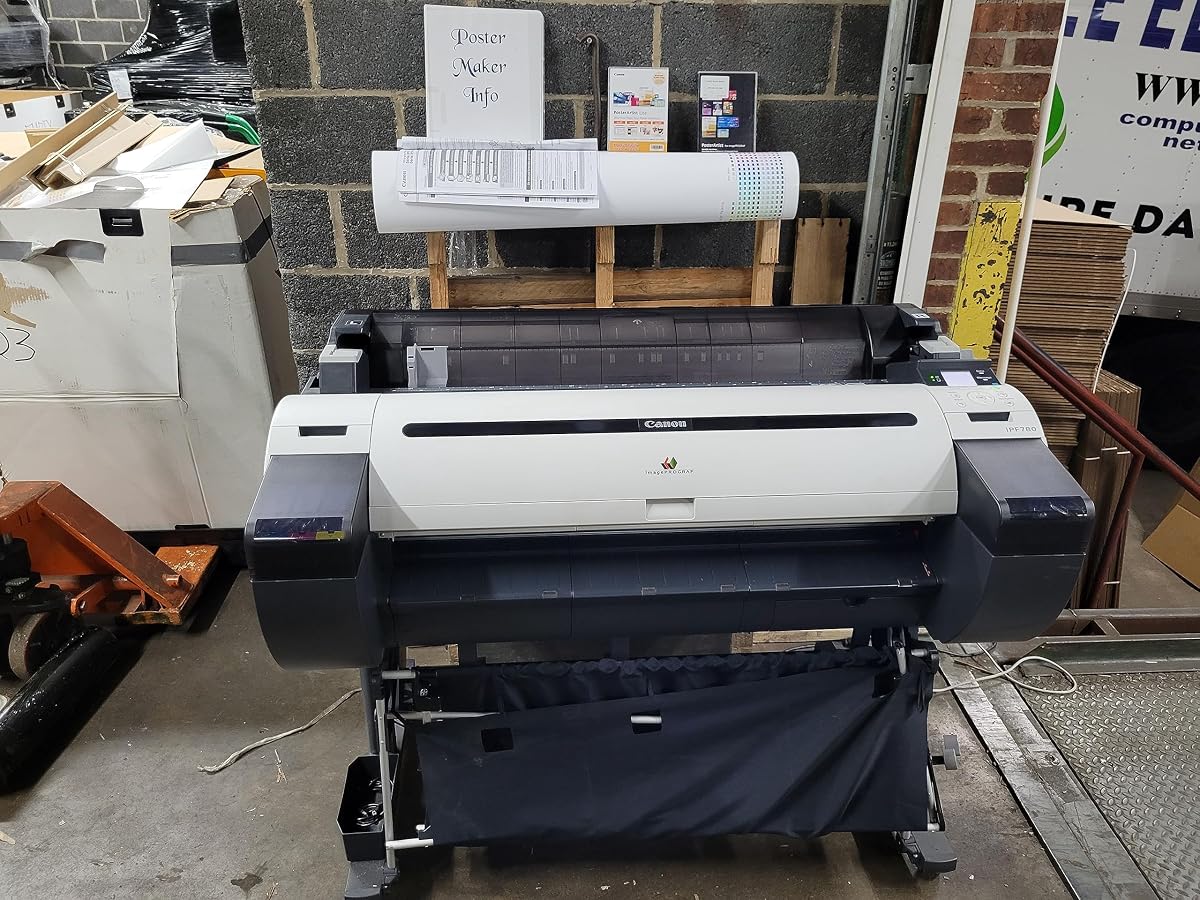
The Canon imagePROGRAF iPF780 maintains a strong reputation with a 4.6 rating among professionals who need reliable 36 inch output. It is often chosen for high volume environments requiring consistent color accuracy.
We may earn a commission when you buy through this link, at no additional cost to you.
Key features include a one year onsite warranty and support from a platinum reseller, which ensures access to genuine parts and expert assistance. This makes it a safe bet for large firms.
While detailed specs are not provided here, Canon's history suggests robust media handling and color consistency. It serves well for businesses needing a durable workhorse for architectural prints.
Opt for this model if you need a proven 36 inch printer with strong local support. The high rating indicates strong performance and satisfaction among regular users.
Platinum reseller backing means you get timely access to service and genuine Canon accessories.
Onsite warranty ensures minimal downtime when hardware issues arise during critical production periods.
We may earn a commission when you buy through this link, at no additional cost to you.
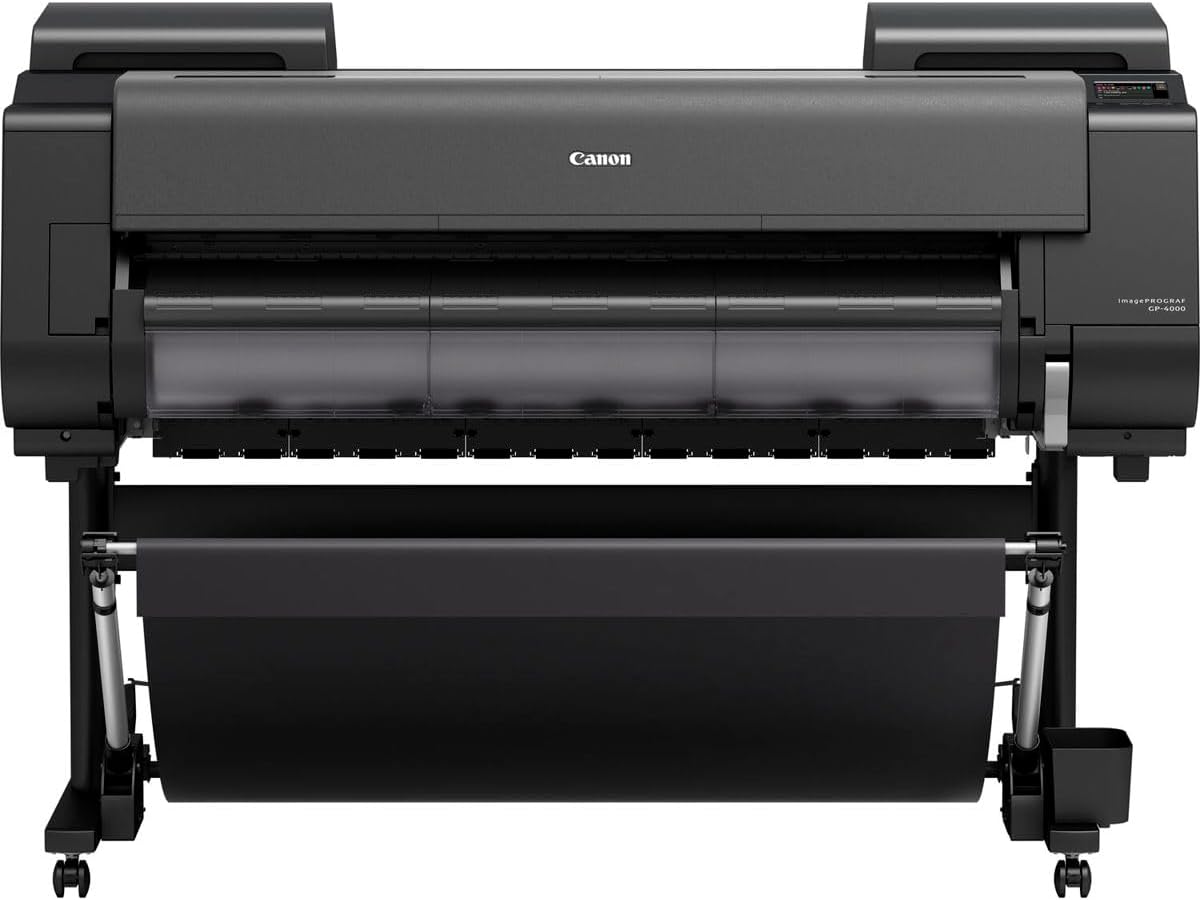
The GP-4000 ImagePROGRAF holds a perfect 5.0 rating, reflecting exceptional quality and user satisfaction. It is a top choice for professionals who demand precise color and high reliability in their outputs.
We may earn a commission when you buy through this link, at no additional cost to you.
As a Canon Platinum Reseller product, it comes with strong support and access to specialized inks. This ensures your large format prints maintain vibrant colors and sharp details over time.
The primary trade off is the high cost, which limits it to high budget projects or specialized firms. If price is a concern, other models may offer better value for standard CAD tasks.
Choose this model if you need the highest quality color accuracy available. It is ideal for marketing materials and fine art prints where detail is paramount.
Delivers accurate colors that match your design intent, making it ideal for client presentations.
Built for consistent performance, reducing the risk of errors during critical production runs.
We may earn a commission when you buy through this link, at no additional cost to you.
The Canon imagePROGRAF iPF785 is designed for professional environments needing reliable color output with a 36 inch width. It holds a 4.1 rating among users who prioritize color consistency and service.
We may earn a commission when you buy through this link, at no additional cost to you.
It comes with a one year onsite warranty and is supported by a platinum reseller. This ensures that your printer stays operational with access to genuine parts and expert advice.
While the hardware is older, it remains a robust choice for high quality prints. The main limitation is that you may find newer features in the latest Canon models.
Select this model if you need dependable color printing with strong local support. It suits firms that value service reliability over having the absolute latest technology.
Provides stable color output that matches your previous prints, reducing the need for recalibration.
Onsite warranty ensures you spend less time troubleshooting and more time on production.
We may earn a commission when you buy through this link, at no additional cost to you.
The Canon imagePROGRAF TM-305 is a top tier choice for professionals requiring precise color management in large format prints. With a 4.3 rating, it is favored for its 5 color ink system that delivers rich hues.
We may earn a commission when you buy through this link, at no additional cost to you.
Its key strength is the ability to handle professional media types with exceptional fidelity. This makes it a great fit for high end architectural and engineering deliverables where color nuance matters.
The printer only configuration means you will need to budget for a separate scanner if needed. Additionally, the price point is higher than standard models, so it suits well funded projects.
Opt for this model if you need premium color accuracy without compromise. It is the best pick for those who demand the highest quality output available.
The 5 color ink system allows for a wider color gamut and smoother gradients in prints.
Supports a wide range of media types tailored for professional finishing and presentation.
We may earn a commission when you buy through this link, at no additional cost to you.
Selecting the right large format plotter printer involves weighing several key factors to ensure it matches your production needs and budget.
Determine the maximum width you need, such as 24 inch or 36 inch, based on the documents you print. Larger widths are essential for full scale architectural plans and detailed maps.
Match the printer to your largest required print size to avoid unnecessary costs or the need to scale down your designs.
Consider how many pages you need to print per hour. Faster models like the T650 or T830 are better for high volume shops, while slower ones suffice for occasional use.
Prioritize speed if your team frequently outputs multiple large sheets daily to maintain productivity and meet deadlines.
Look for automatic sheet feeders and media bins if you switch between rolls and cut sheets often. Manual switching can be tedious and slows down workflows.
Choose a model with built in feeders to reduce manual effort and increase efficiency in daily operations.
Ensure the printer supports Gigabit Ethernet or Wi-Fi for seamless network integration. Mobile printing apps add convenience for sending jobs from phones or tablets.
Select connectivity that matches your office infrastructure to enable flexible and remote printing capabilities.
Check if the printer includes software like HP Click that helps with PDF checking and nesting. Good software reduces waste and simplifies file preparation.
Prioritize software that integrates with your CAD tools to streamline the process from design to print.
Review ink usage rates and maintenance requirements. Some models save significantly on ink for routine tasks, which lowers long term operating costs.
Factor in consumable prices when comparing models to understand the total cost of ownership beyond the purchase price.
Check if onsite warranty is available, as it minimizes downtime by having a technician come to your location. Platinum resellers often offer better access to support and parts.
Invest in better warranty options for critical business tools to ensure reliability during busy project periods.
Decide if you need scanning and copying alongside printing. Multifunction models are great for offices but may lack dedicated plotter speed or features.
Choose a dedicated plotter if print quality and speed are your top priorities over scanning convenience.
Regularly clean the print heads using the built-in maintenance tools to prevent clogs and ensure consistent line quality. Avoid touching the nozzles directly with your fingers to prevent damage.
Store media rolls in a cool, dry place to prevent warping or moisture damage that can cause print defects. Load media gently to avoid wrinkles that affect registration and alignment.
Keep your firmware and drivers updated to access the latest features and security patches. This ensures compatibility with new file formats and protects your network from vulnerabilities.
While often used interchangeably, traditional plotters use pens to draw vector lines, whereas modern large format printers use inkjet technology for raster and vector files. Most large format printers today handle CAD files efficiently without needing vector data specifically.
Yes, most large format printers support standard wide sheets using the automatic sheet feeder. However, for best results, ensure the paper weight is within the printer's specified range to avoid jams.
Use the printer's economy modes for draft prints and enable auto nesting software to fit multiple jobs on one page. Regular cleaning and using compatible maintenance routines also prevent unnecessary ink waste.
Wi-Fi is convenient for mobile printing but Gigabit Ethernet is often more reliable for busy office networks. Choose based on whether you need to print from devices without cables.
PDF, DWG, and HP-GL/2 files are widely supported and preserve line quality. Using these formats ensures your technical drawings remain sharp and accurate during printing.
Follow the manufacturer's schedule, but generally clean heads weekly if printing daily. Regular maintenance prevents clogs and ensures consistent print quality over time.
Yes, many of these printers excel at posters with vibrant colors and crisp text. Ensure you select a model with color accuracy features for best visual results.
Most come with plug-and-play drivers, but large models may need stable power and adequate space. Follow the setup guide to ensure proper calibration before first use.
We reviewed ten top models ranging from the budget friendly T210 to the premium TM-305, each serving different needs in terms of size and speed.
Prioritize width and speed based on your daily volume, and consider support options if uptime is critical for your business operations.
Remember to check current availability and pricing on the retailer site since deals may change depending on your region.