
Pulsar Gaming Gears X2H
4.3Editor score
37 gram featherlight build
XS-1 flagship sensor
Symmetrical low profile shape
This guide compares the lightest mice for gaming to help you choose the best lightweight option for speed and precision.
Finding the lightest mice for gaming is crucial for competitive players who need speed and precision. Lightweight designs reduce fatigue and improve accuracy during intense sessions.
We compared ten top models based on weight, sensor performance, battery life, and build quality. Our analysis covers wireless and wired options for all grip styles.
Each pick highlights key features and trade-offs to help you decide. Prices and availability change frequently so check current listings before buying.
4.3Editor score

4.5Editor score
4.4Editor score
This table provides a side by side overview of weight sensor type connectivity options and key features for all ten models.




The Logitech G PRO X Superlight 2 stands out as a top choice for esports pros. It combines a 60 gram frame with cutting edge HERO 2 sensor technology.
We may earn a commission when you buy through this link, at no additional cost to you.
Its wireless performance is flawless with 8kHz polling ensuring zero latency. The battery lasts up to 95 hours and supports Powerplay charging.
Some may find the price high compared to rivals but the precision and durability justify the cost. The neutral shape fits most grip styles comfortably.
This mouse is ideal for competitive players needing reliable wireless speed. It delivers elite performance without compromising on build quality.
The HERO 2 sensor offers over 800 IPS tracking and 44000 DPI for pixel perfect accuracy.
Lightforce hybrid switches and 8kHz polling ensure instant response times for competitive gaming.
We may earn a commission when you buy through this link, at no additional cost to you.
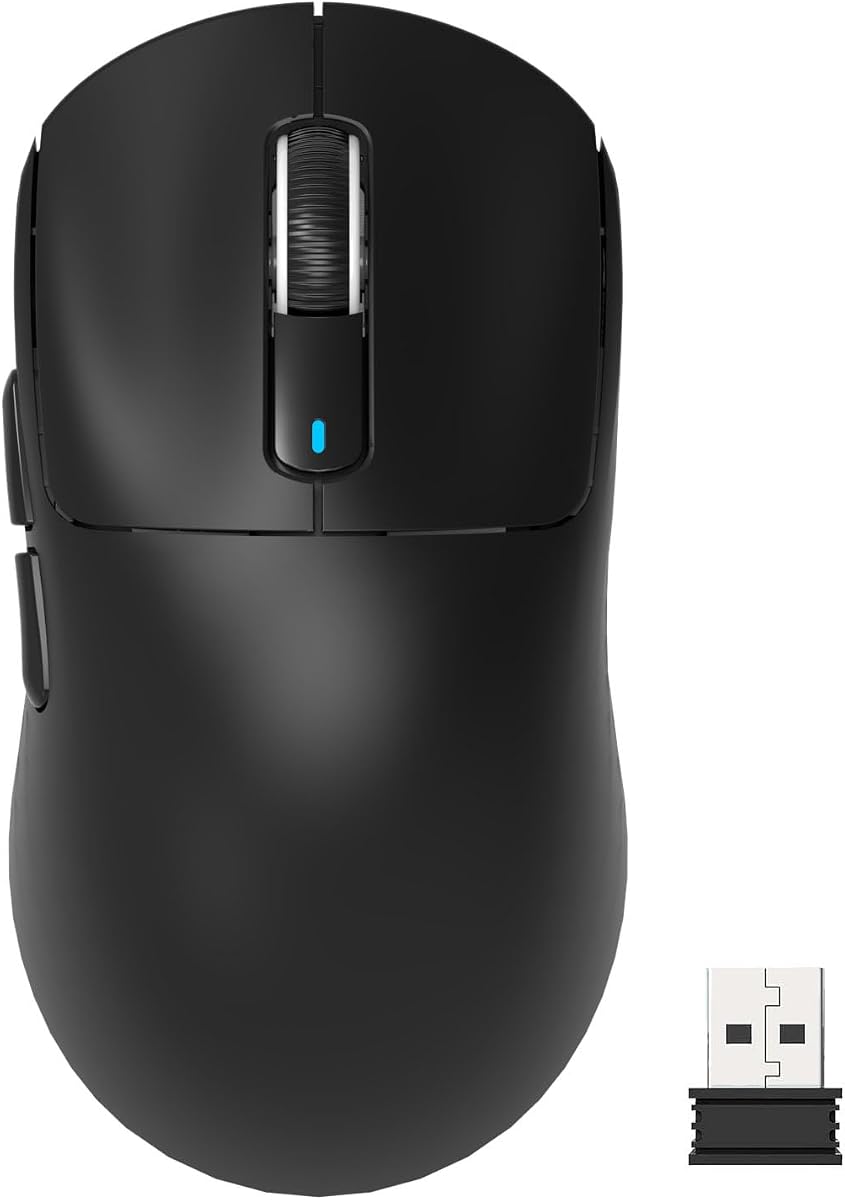
The Pulsar X2H redefines lightweight with a 37 gram frame lighter than an egg. Its XS-1 sensor delivers unmatched speed and accuracy for FPS games.
We may earn a commission when you buy through this link, at no additional cost to you.
Optical switches prevent double clicks while DOT skates ensure smooth gliding. The symmetrical design supports both claw and relaxed claw grips effectively.
Its small size might feel cramped for users with large hands. However the build quality and performance are top tier for serious gamers.
This mouse is perfect for players prioritizing weight above all else. It offers a premium experience with minimal compromises.
At 37 grams the X2H minimizes fatigue during long sessions without sacrificing durability.
The XS-1 sensor provides 32000 DPI and 750 IPS tracking for precise movements.
We may earn a commission when you buy through this link, at no additional cost to you.
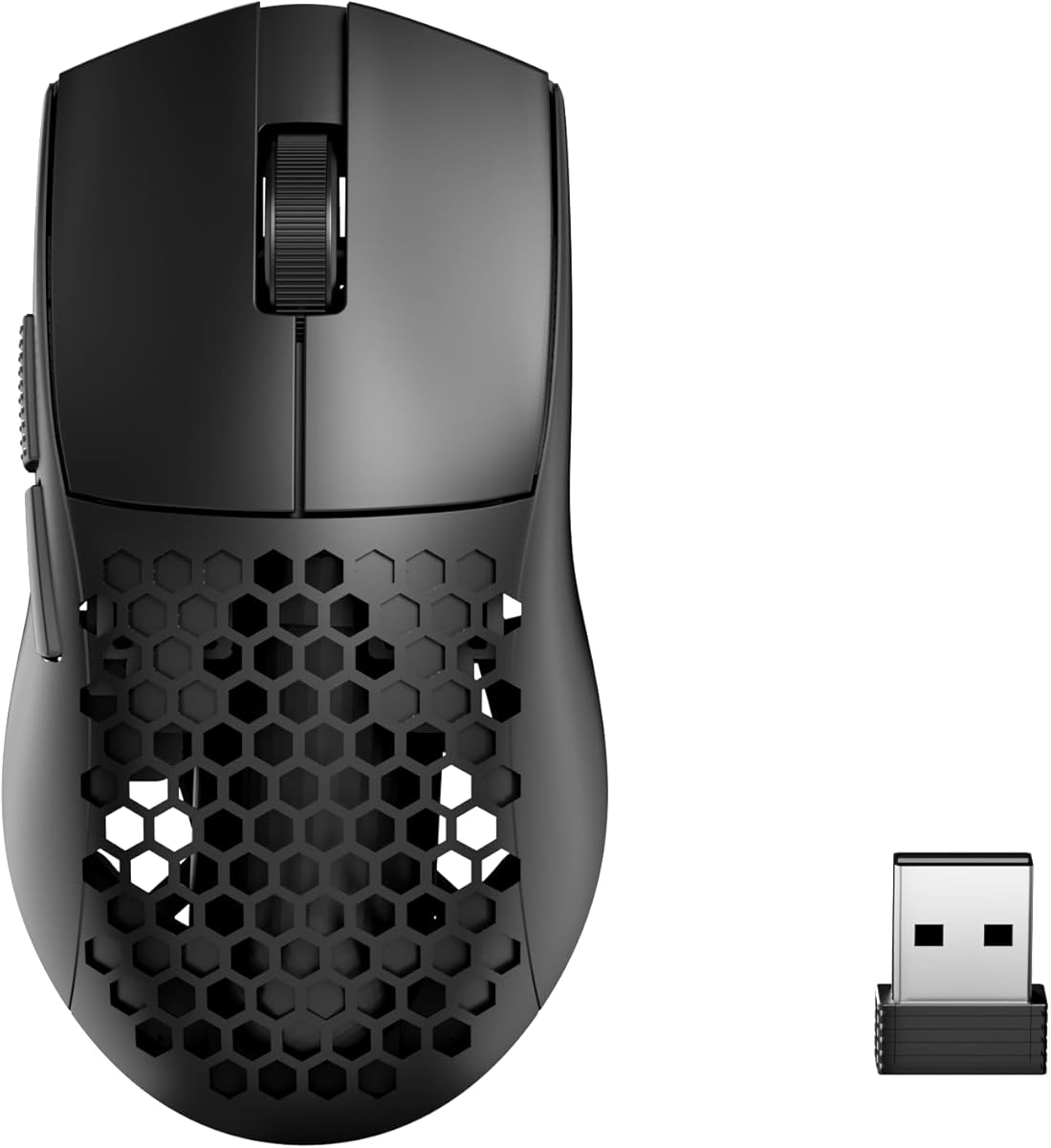
The Redragon M725 offers excellent value with a 49 gram honeycomb shell. It supports wired and wireless modes for versatile use across devices.
We may earn a commission when you buy through this link, at no additional cost to you.
Its 8000 DPI sensor and programmable buttons cover most gaming needs. The software allows full customization for macros and lighting.
Build quality is decent but not as refined as premium models. Still it delivers solid performance for the price.
Ideal for budget conscious gamers needing wireless freedom. It balances weight and features effectively.
Switch seamlessly between wired and wireless modes for work or gaming.
The honeycomb design reduces weight and improves airflow during use.
We may earn a commission when you buy through this link, at no additional cost to you.
The Razer Viper V3 HyperSpeed focuses on longevity with 280 hours of battery life. It uses a Focus Pro 30K sensor for flawless tracking.
We may earn a commission when you buy through this link, at no additional cost to you.
Its wireless connection is stable even in noisy environments. On mouse DPI control adds convenience during gameplay.
At 82 grams it is heavier than ultra light rivals. The AA battery may also be less convenient than rechargeable units.
Best for players needing extended play without charging. It offers reliable performance for daily use.
Up to 280 hours of use on a single AA battery.
Focus Pro 30K tracks on various surfaces including glass.
We may earn a commission when you buy through this link, at no additional cost to you.
The Logitech G305 is a compact wireless option ideal for travel. Its HERO sensor delivers 12000 DPI with high efficiency.
We may earn a commission when you buy through this link, at no additional cost to you.
Battery lasts 250 hours making it great for extended use. The nano receiver stores inside for easy portability.
Weight and basic design may not satisfy pro gamers. Still it offers solid performance for casual play.
Perfect for students or travelers needing reliable wireless. It is affordable and efficient.
HERO sensor provides 10x better power efficiency than previous gen.
Compact size and internal receiver storage suit travel.
We may earn a commission when you buy through this link, at no additional cost to you.
The MCHOSE L7 Pro combines 39 gram weight with 8K polling for competitive use. Its ergonomic hump fits hands well.
We may earn a commission when you buy through this link, at no additional cost to you.
Optical switches ensure durability while the driver allows deep customization. It supports wired and wireless modes.
Brand recognition is low compared to established names. Driver features may need future improvements.
Great for budget buyers wanting pro specs. It delivers performance at a mid range price.
Free 8K receiver enhances precision and reduces latency.
Optical switches rated for 150 million clicks.
We may earn a commission when you buy through this link, at no additional cost to you.
The ATTACK SHARK X3 offers 49 gram weight with a PAW3395 sensor. It supports wired and wireless connections effectively.
We may earn a commission when you buy through this link, at no additional cost to you.
Kailh switches provide crisp clicks and long life. Five buttons allow customization for macros.
Build consistency can vary between units. Software is functional but lacks depth.
Best for gamers needing reliable wireless at a fair price. It balances features and weight well.
PAW3395 provides 650 IPS tracking and low latency.
Kailh GM8.0 switches rated for 80 million clicks.
We may earn a commission when you buy through this link, at no additional cost to you.
The Pulsar X2 offers 39 gram weight with a medium form factor. It uses the same sensor as the X2H for precision.
We may earn a commission when you buy through this link, at no additional cost to you.
DOT skates ensure smooth gliding on various surfaces. Optical switches reduce double click risk.
Price is higher than budget alternatives. Availability might be limited at times.
Ideal for medium hand sizes seeking premium build. It balances comfort and speed.
Medium size supports claw and fingertip grips comfortably.
DOT skates provide low friction for smooth movement.
We may earn a commission when you buy through this link, at no additional cost to you.
The ASUS ROG Harpe Ace Mini is designed for smaller hands. Its compact shape supports fingertip and claw grips.
We may earn a commission when you buy through this link, at no additional cost to you.
Tri mode connectivity ensures versatility across devices. The sensor offers 36K DPI for precision.
Limited to small hand users. Battery life is decent but not top tier.
Perfect for gamers with smaller hands needing pro specs. It delivers reliable wireless performance.
Co developed with pro players for optimal control.
Up to 105 hours of use on a single charge.
We may earn a commission when you buy through this link, at no additional cost to you.
The Redragon M808 Storm is a lightweight wired option. Its honeycomb shell reduces weight and provides RGB effects.
We may earn a commission when you buy through this link, at no additional cost to you.
Seven programmable buttons support complex macros. The cable minimizes drag for smooth movement.
Wireless users will miss that freedom. Weight is higher than modern wireless rivals.
Ideal for budget gamers preferring wired reliability. It offers strong performance for the price.
Wired connection ensures zero latency for competitive use.
Software allows customization of 16.8 million colors.
We may earn a commission when you buy through this link, at no additional cost to you.
Selecting the right lightweight mouse depends on several factors including shape and connectivity. Understanding these helps you find the best fit.
Lower grams reduce fatigue and increase speed during long sessions. Aim for under 70 grams for optimal performance.
Prioritize lighter weights if you play fast paced FPS games.
A good sensor ensures accurate tracking without jitter or loss. Look for high DPI and IPS ratings.
Choose sensors like HERO or PAW3395 for reliability.
Symmetrical shapes suit various grip styles while ergonomic ones support palm grip. Consider hand size and grip type.
Match shape to your preferred grip for comfort.
Wireless offers freedom but requires charging. Wired ensures zero latency and constant power.
Pick wireless for convenience or wired for simplicity.
Long battery life reduces interruptions. Look for at least 50 hours for wireless models.
Ensure battery matches your session length.
Lightweight designs must remain durable. Check switch ratings and shell quality.
Opt for mice with strong warranties and proven durability.
Additional buttons allow macro and DPI control. Decide based on game requirements.
Ensure enough buttons support your gaming needs.
Budget varies by brand and features. Balance cost with performance needs.
Set a budget and compare models within it.
Use a clean dry mousepad to avoid friction. Keep the sensor area free of dust.
For wireless mice charge fully before use. Store the receiver safely when not in use.
Clean regularly with a soft cloth. Avoid water and harsh chemicals.
Light mice reduce fatigue and allow quicker movements. They help with fast flicks and precise aiming.
Modern wireless mice use low latency tech similar to wired. Look for 1ms report rates for best performance.
Ideal weight depends on preference but most pros use under 70 grams. Lower is often better for speed.
Use a microfiber cloth to wipe the shell. Avoid water on the sensor or buttons.
Symmetrical shapes work best for claw grip. They allow fingers to rest comfortably on the body.
Optical switches prevent double clicks and last longer. They provide consistent performance for gaming.
The Logitech G PRO X Superlight 2 Pulsar X2H and Redragon M725 lead in performance and value. Each offers unique benefits for different needs.
Prioritize weight sensor and shape over brand name. Ensure the mouse matches your grip and hand size.
Check current prices and availability as deals change often. Select the model that fits your playstyle best.